
Why is the product price not showing on the product page?
Overview
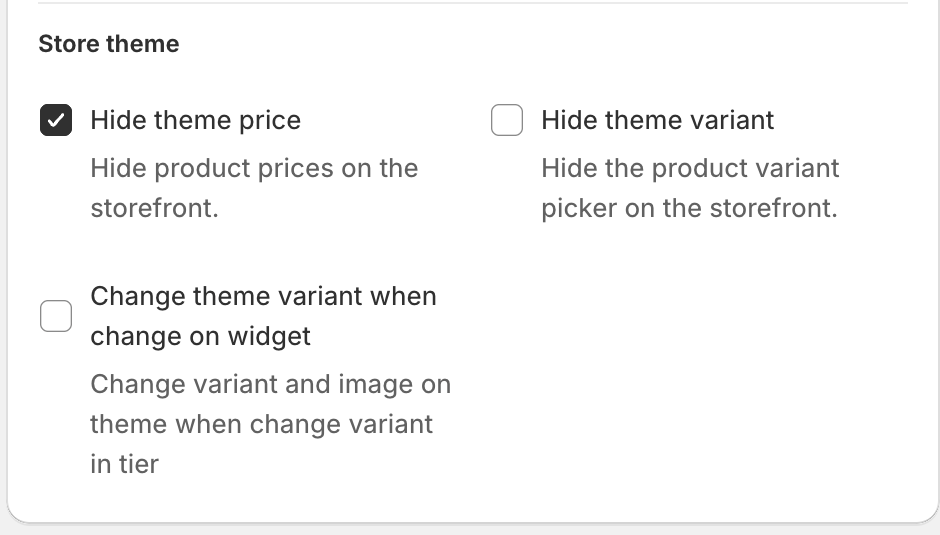
If a product page with a Quantity Discounts offer no longer shows your theme's product price (the original price under the product title), the offer is hiding it. The Hide theme price option is on. Some templates turn it on, so shoppers see only the tier prices in the widget.
Steps
- In Xboost Bundle, open Offers and click the Quantity Discounts offer.
- Click Appearance at the top of the editor.
- Under Store theme, clear Hide theme price ("Hide product prices on the storefront.").
- Click Save in the bar at the top of the page.
Your theme's price shows again on the product pages where the offer shows.
The same section has Hide theme variant. If your theme's variant picker is missing too, clear that option as well.