
Why are the upsell and free gift products not showing in my Quantity Discounts offer?
Overview
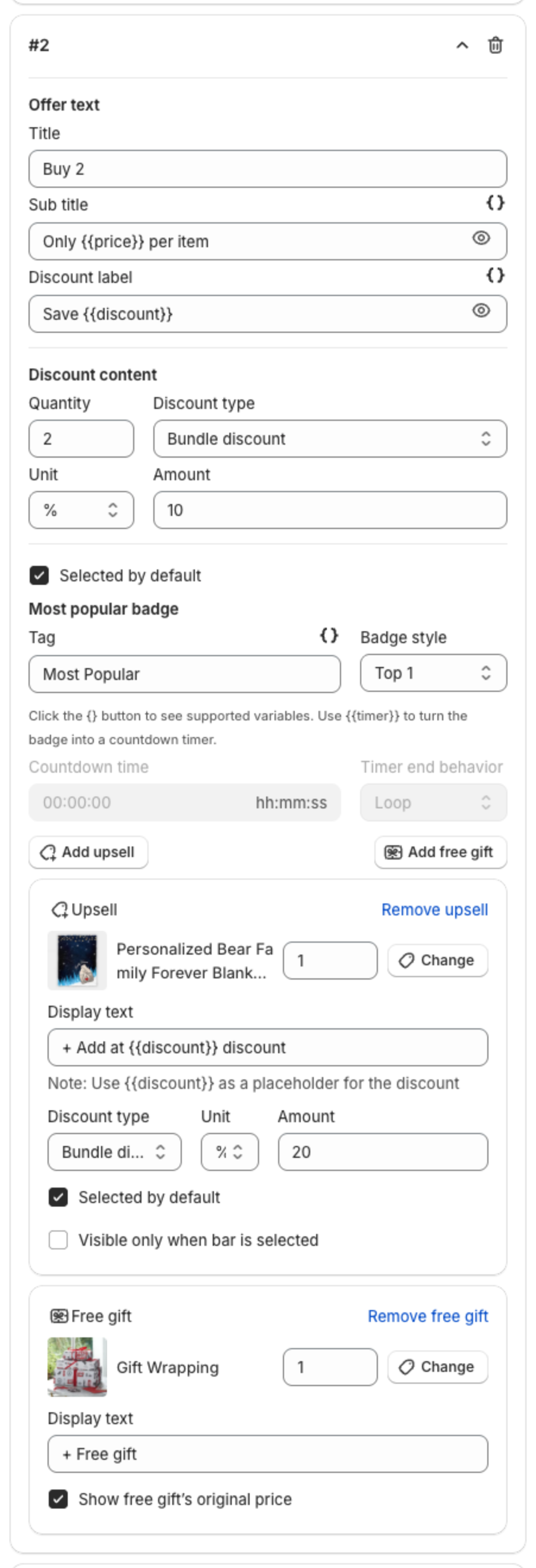
You added an upsell or a free gift to a tier of a Quantity Discounts offer, but the widget on your store does not show it. XB: Bundles Quantity Breaks shows only upsell and free gift products that are available, which means shoppers can add them to the cart. A product that cannot be added to the cart is hidden from the tier.
Check that the products are available
In your Shopify admin, go to Products and open each upsell and free gift product. Check that:
- The Status is Active, not Draft or Archived.
- Under Publishing, the product is available on the Online Store sales channel.
- The product, or the variant you picked, is in stock. If it is out of stock, add inventory, or tick Continue selling when out of stock for that variant.
To test, open the product page on your store and click the theme's Add to cart button. If the product can be added to the cart, the offer can show it.
Check the tier settings
If you ticked Visible only when bar is selected for the upsell, it shows only on the tier the shopper selects. Click that tier in the widget to see it. See How to add an upsell or a free gift to a tier.
If the products are available and still do not show, contact us through the in-app chat.