
How do I exclude a product from cart upsell recommendations?
Overview
With Use AI Recommended UpSells, the cart drawer picks the upsell products for you from the Recommendation Algorithm you choose. To keep a product out of these recommendations, for example a gift card, a sample or a shipping protection product, add the tag xboost-no to it.
Steps
- In your Shopify admin, go to Products and open the product.
- In Tags, type
xboost-noand press Enter. - Click Save.
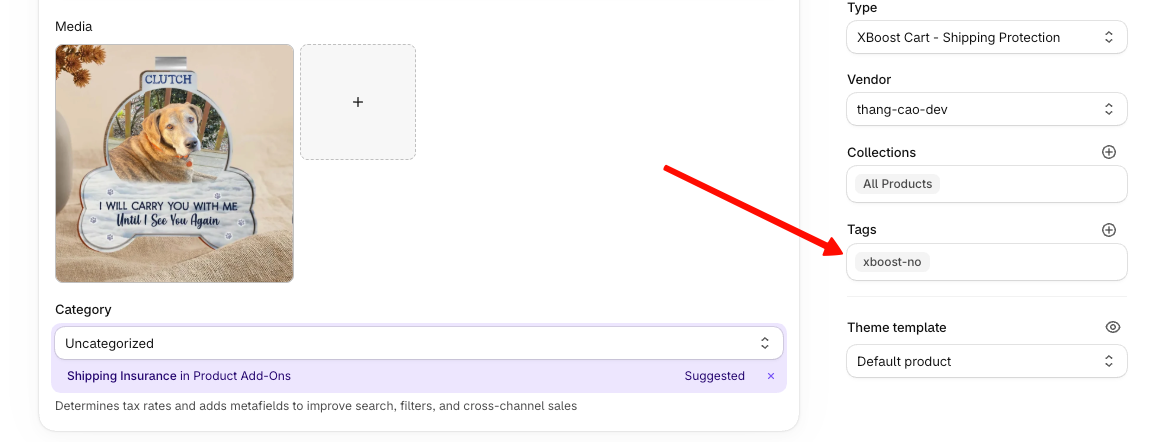
The product is no longer recommended in the cart drawer, whichever Recommendation Algorithm you use: Shopify related products, Related items or Frequently bought together.
To recommend the product again, remove the xboost-no tag and click Save.
Good to know
- The shipping protection product that XB: AI Cart Upsell Cart Drawer creates already has the
xboost-notag. Keep the tag on it.