
Product add-ons in the cart
Overview
Multi products add-ons shows extra products in the cart drawer footer, each with a toggle, for example gift wrapping. When the shopper turns a toggle on, the product is added to the cart. Turning it off removes it.
Steps
1. Turn on add-ons
- Click Cart Drawer in the app menu.
- Click Footer, then Multi products add-ons.
- Tick Enable Multiple Addons.
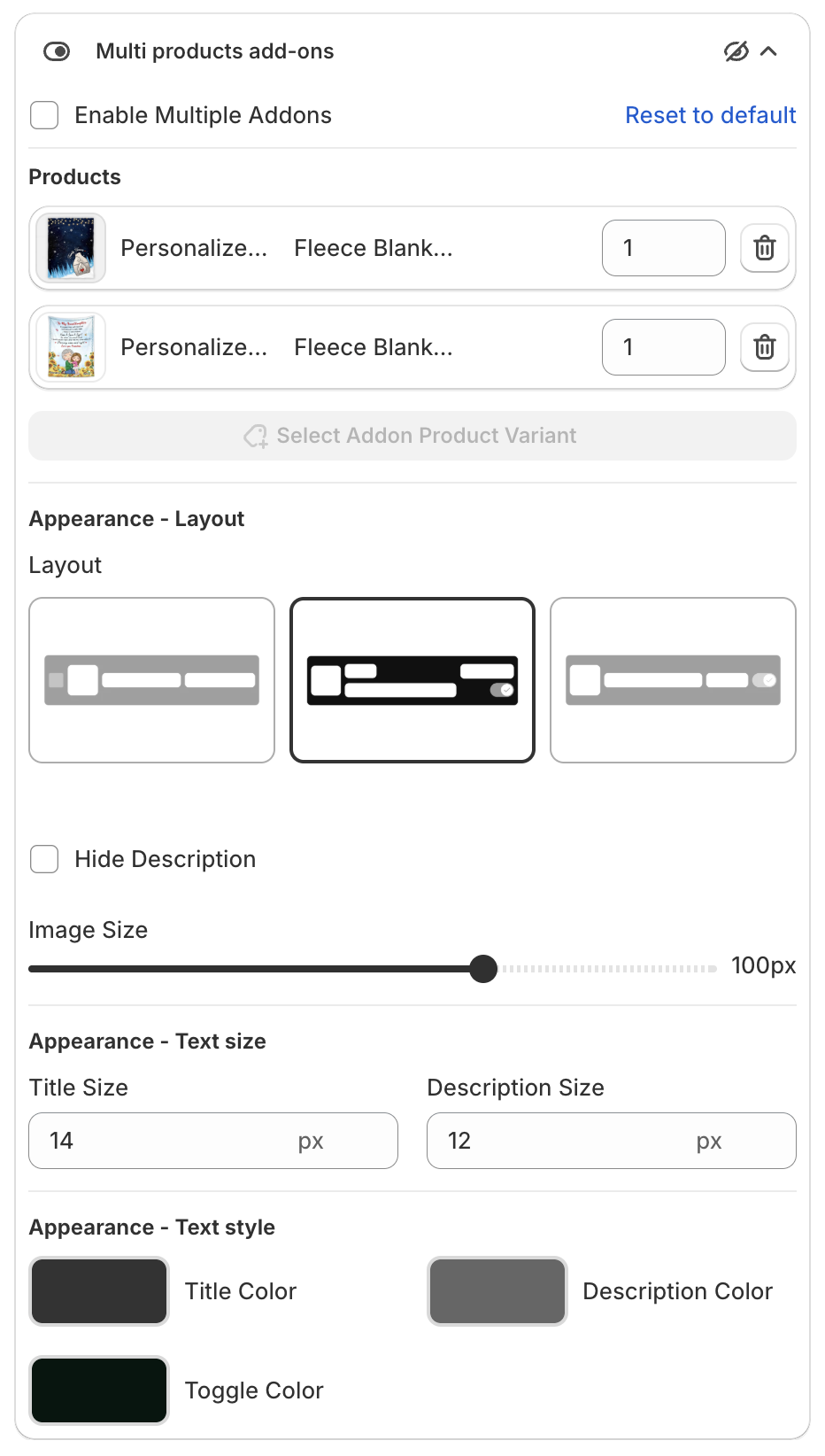
2. Choose the products
- Click Select Addon Product Variant and pick the product variants.
- Set the Quantity for each product.
- Click the trash icon to remove a product.
3. Change the look
- Appearance - Layout: pick a Layout, tick Hide Description if needed, and set the Image Size.
- Appearance - Text size: Title Size and Description Size.
- Appearance - Text style: Title Color, Description Color and Toggle Color.
4. Save
Click Save in the bar at the top of the page.