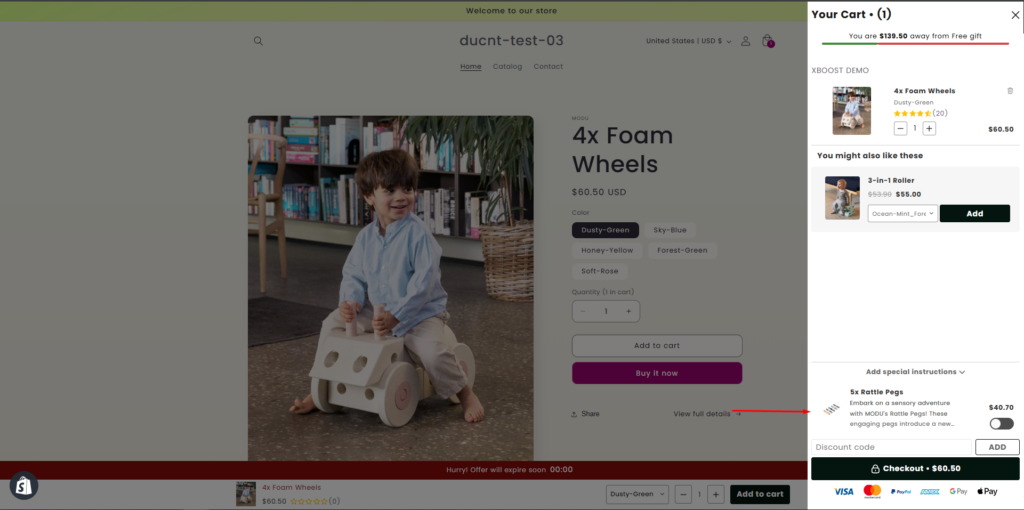
Product add-ons in the cart
Overview
When a product is added in the cart, the product add-on will automatically appear in the cart.
User Guide
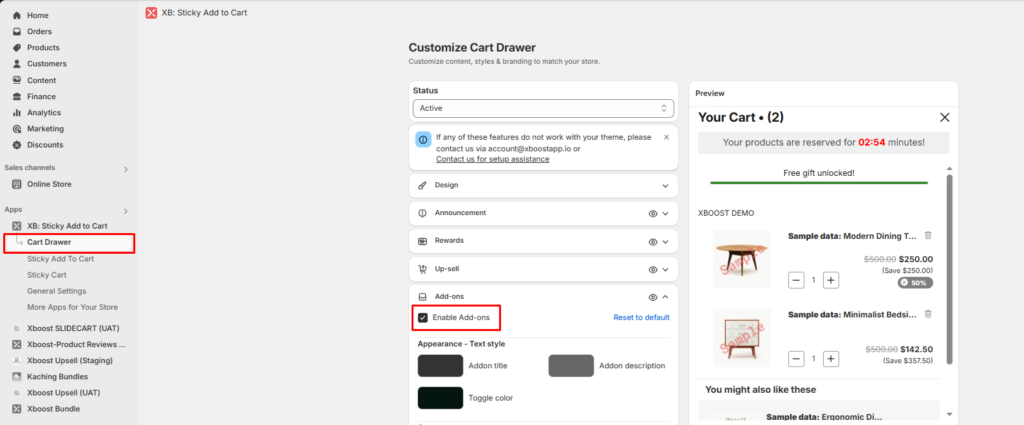
1. Enable Add-ons function in the app.
- Navigate to Cart Drawer and scroll down to Add-ons field.
- Enable Add-ons.
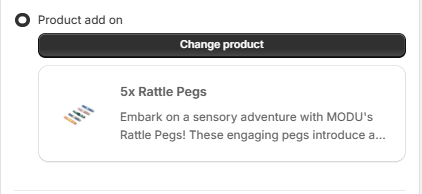
2. Change product add on.
- Click Change product button to select a product as you want.
3. Customize product add on style.
- Customize colors of text and toggle.
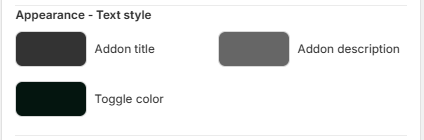
- Customize text size.
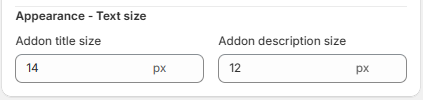
- Save your configuration to complete.