
How to set up products for free
Overview
You want to give free products to customers when their purchase meets certain conditions. Instead of adding the free product on the checkout page, our cart will automatically apply the free gift by Rewards function. This helps customers see the free gift immediately in the cart, enhancing their experience while using it.
User Guide
1. Automatic Buy X Get Y discount code.
- Follow the instructions in the video to create automatic discount code to Buy X get Y on the Discount tab of Shopify:
2. A free gift tier in rewards matching with shopify’s discount.
- Add a tier to rewards.
- Select Reward basis based on Buy X Get Y discount.
– Buy X Get Y is Minimum quantity of items, Reward basis is Item count.
– Buy X Get Y is Minimum purchase amount, Reward basis is Cart amount.
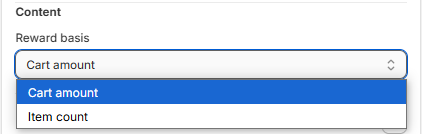
- Select Free product for reward type.
- Enter Min amount/Min items based on value of Buy X Get Y.
- Enter Reward description, Text for your tier.
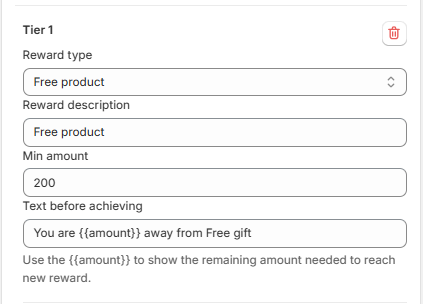
- Select products/variants that is free for customers.
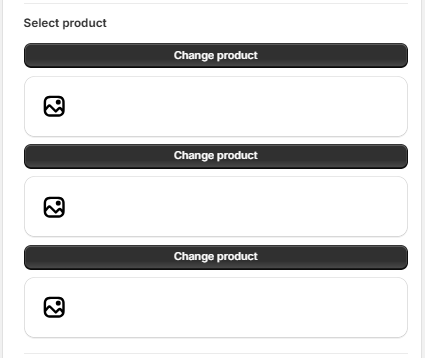
- Save your configuration to complete.
Free gift is available for your cart. Please active the app and enjoy it !!
