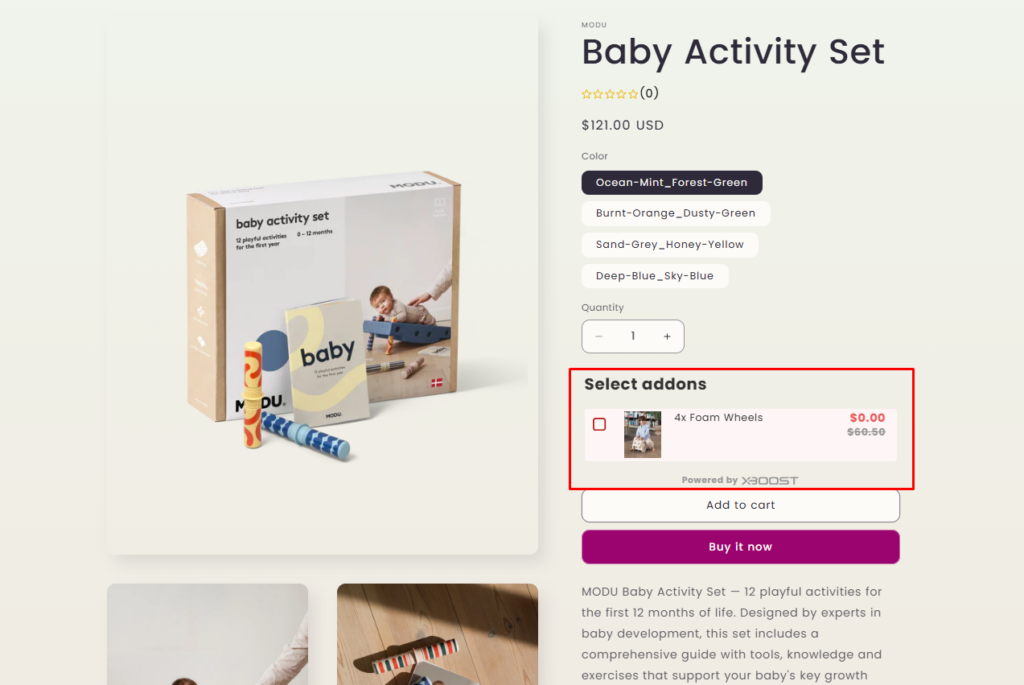
Product Add-ons discount type (updated)
Overview
Xboost: AI Upsell & Bundles allows you to enable discount when creating the offer. We’ve provided Product Add-ons discount type for a product add-ons offer.
You can configure discount for products that bought together trigger product.
User Guide
To trigger a discount for the offer you have to enable discount when creating a offer:
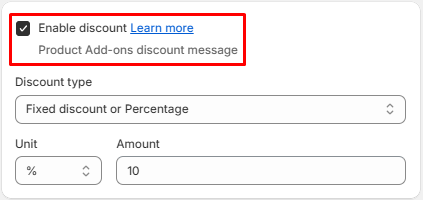
Product Add-ons discount will be applied if the customer purchases the products in product offer. Three available discount types are Default price, Fixed discount or percentage and Free gift.
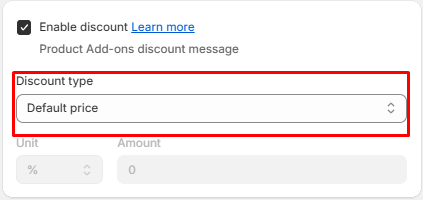
Default price
The price of products will be original price.
- Select Default price for discount type.
Fixed discount or percentage
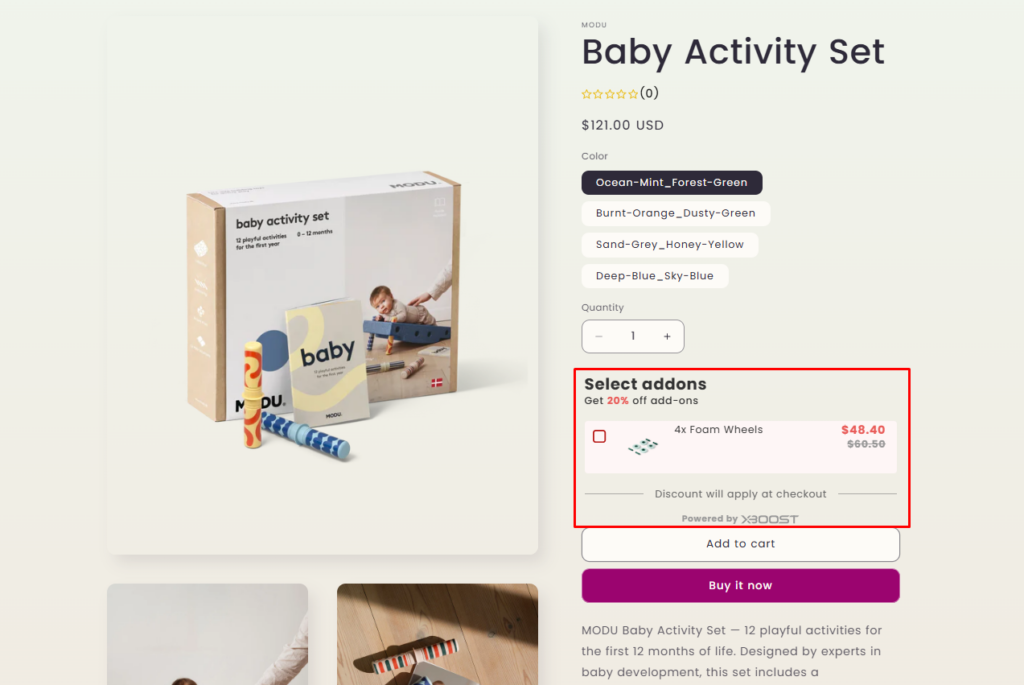
The discount will be applied to Y products if the customer purchases the required X products, based on configuration before. Example: Buy X get Y 20%.
- Select Fixed discount or Percentage for discount type.
- Input Unit and Amount
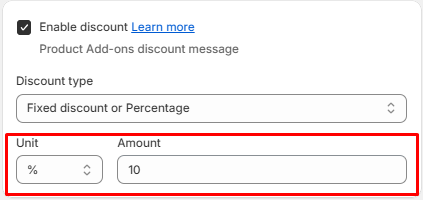
Example:
1. Trigger products are X.
2. Unit = %, Amount = 20
In this case customer will be applied discount 20% for Y if they buy X and Y.
Free Gift
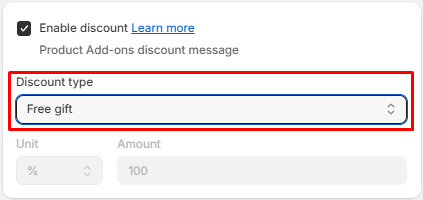
The customer will receive Y as a free gift if they purchase X products.
- Select Free gift for discount type.
Example:
You have configured the trigger product as all products, the offer product as X, and the discount type as a free gift. This means that if customers buy any product, they will receive a free X.