
How to round discounted prices
Overview
Discounts often give prices like $81.00 or $114.75. Price rounding rounds the discounted price up to a price ending you pick, for example .99, so prices look like $81.99 and $114.99.
Steps
- Open the offer and click Offer.
- Under Settings > Pricing setting, tick Price rounding.
- Pick the ending: .99, .95, .90, .x9, .x0 or .00.
- Click Next, then Publish (or Save for an existing offer).
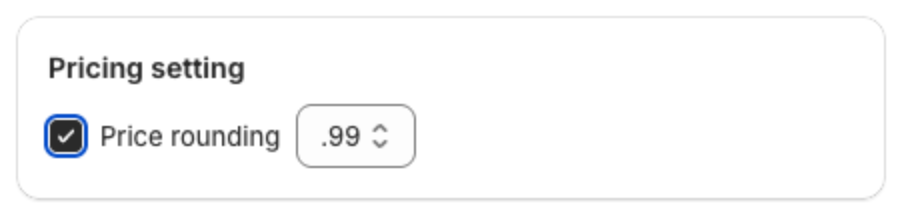
The preview updates the prices:
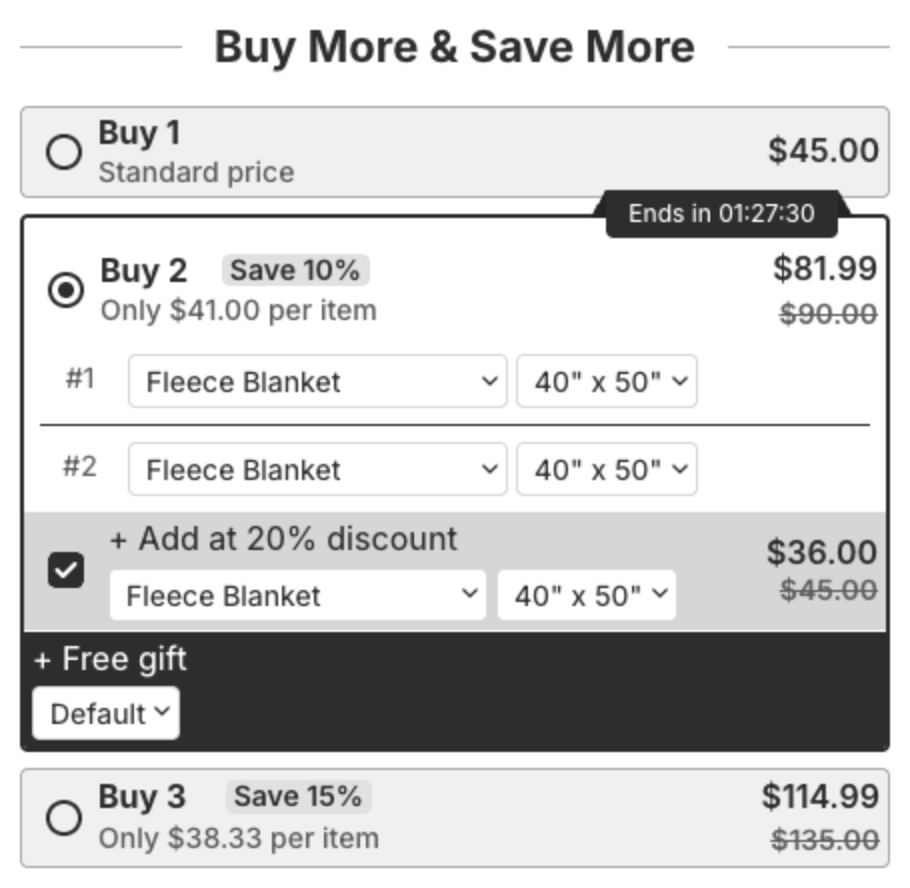
The price is always rounded up, so the shopper pays the rounded price shown in the widget. Price rounding is available on Quantity Discounts, Fixed bundle, AI Frequently Bought Together, Mix & match, Product Add-Ons and Buy X Get Y offers.