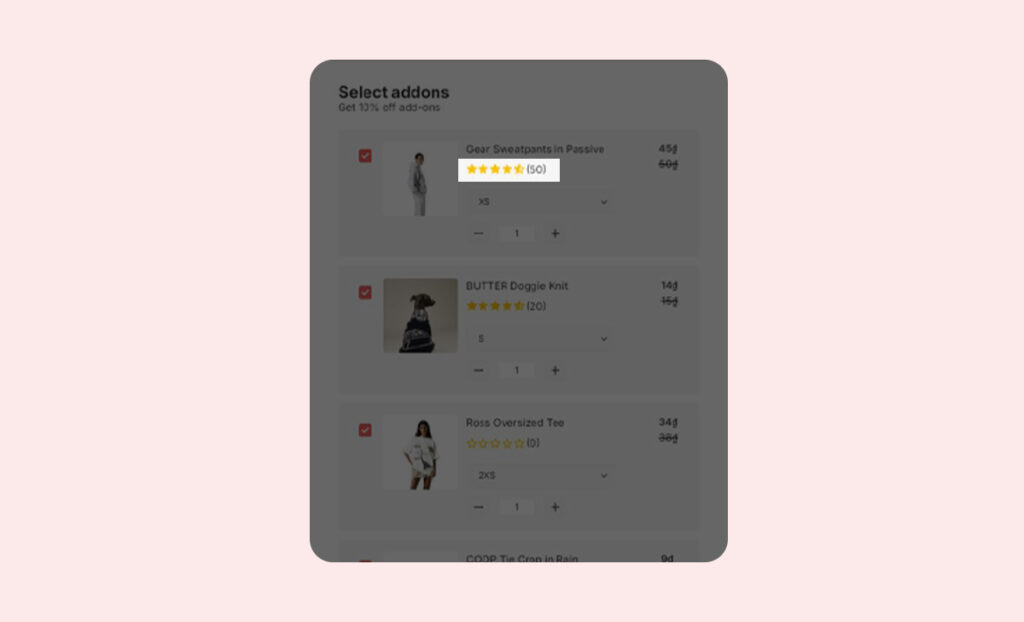
How to display review rating below products in the widget
Overview
The article will guide to you How to display review rating below products in the widget.
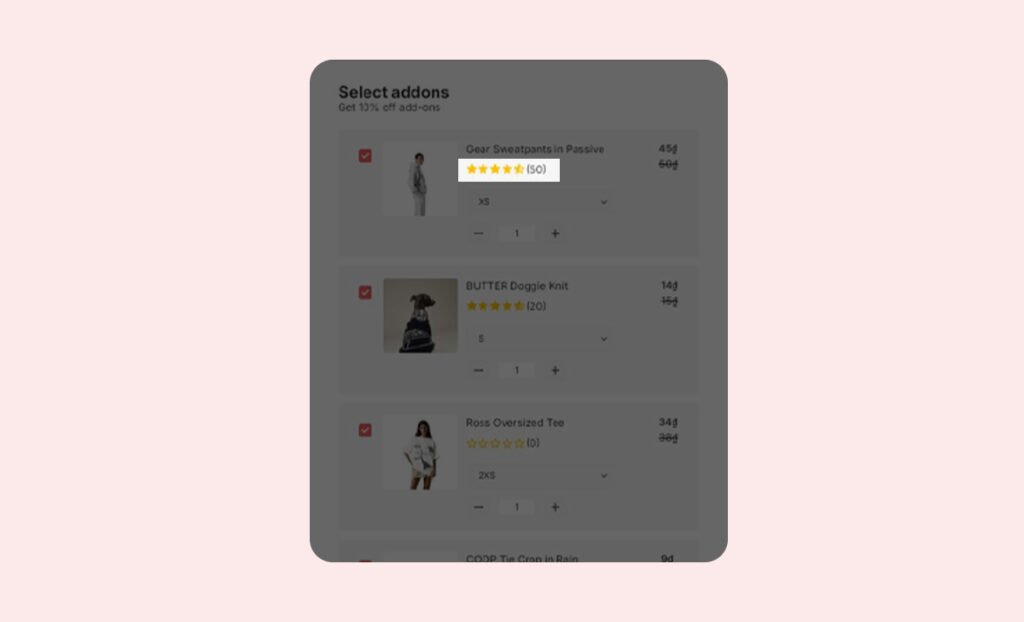
With this feature, you can display product ratings, providing a convenient experience for customers when shopping at your store.
User Guide
To display review ratings below products in the widget in your store, follow these steps:
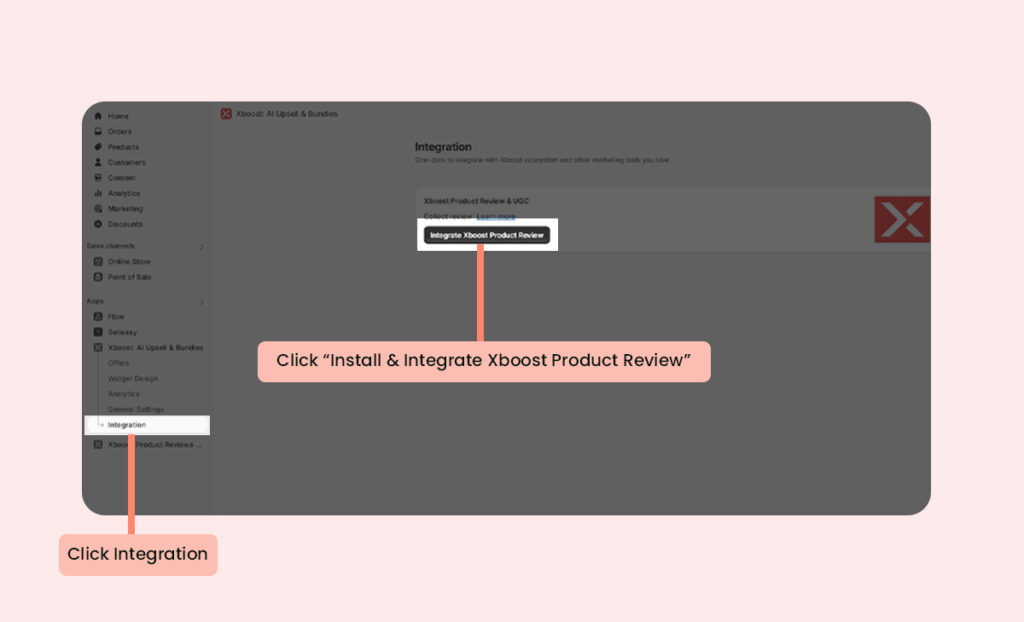
1. Integrate Xboost Product Review & UGC
Switch to Intregration tab, Click Integrate Xboost Product Review & UGC.
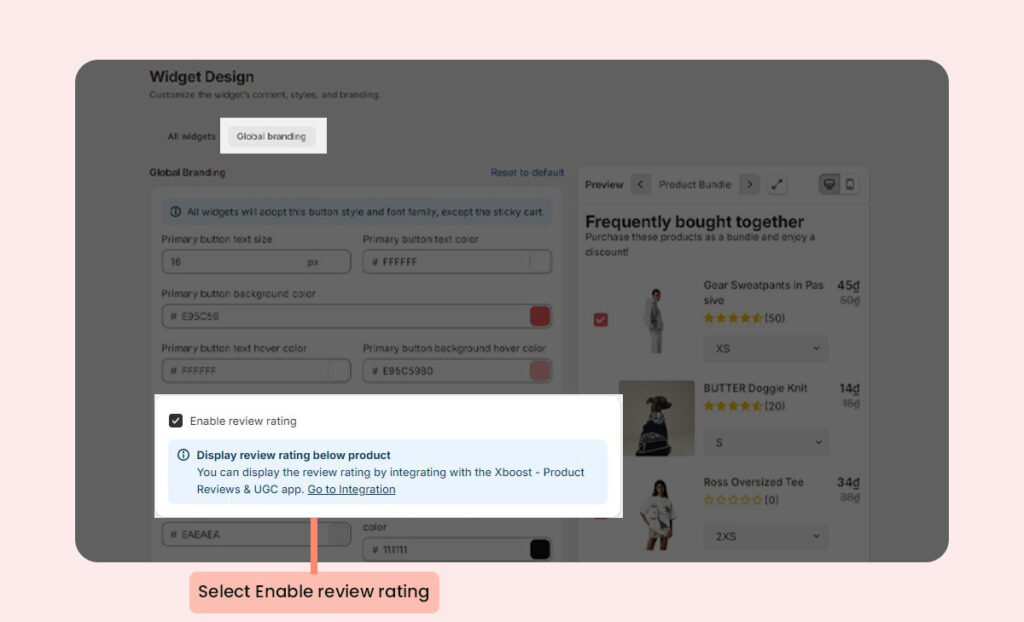
2. Enable review rating
In the Widget Design, click on Global brandingand then click Enable review rating
3. Star rating is displayed
You can see star rating displayed in the preview.