
How do I change the font of the sticky add to cart bar?
Overview
The sticky bar uses your theme's font. The app has no font setting. To use another font, add custom CSS.
Steps
- In the app menu, click Sticky Add To Cart.
- Under Design, find Custom CSS and paste this CSS. Replace
Georgia, serifwith the font you want:
.xb_sticky_add_to_cart_product_title,
.xb_sticky_add_to_cart_product_price,
.xb_sticky_add_to_cart_product_button_add_to_cart {
  font-family: Georgia, serif;
}
- Click Save in the bar at the top of the page.
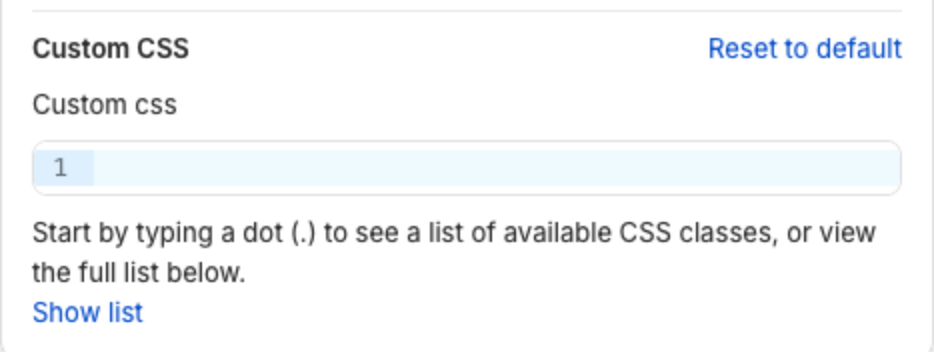
Use a font that is already available on your store. Click Show list under the CSS editor to see all class names, for example .xb_sticky_add_to_cart_announcement_title for the countdown message.
Where custom CSS applies
Custom CSS applies to the whole page, not only to the sticky bar. The CSS is added to every page where the sticky bar runs. A rule without a class of the sticky bar, for example h2 { font-family: Georgia, serif; }, also changes your theme and other apps. Start every rule with a class of the sticky bar, such as .xb_sticky_add_to_cart_product_title, so it changes only the sticky bar.