How to choose where the offer shows
Overview
The Trigger step sets the product pages where the offer shows.
Steps
- Open Offers, click the offer name, then click Trigger.
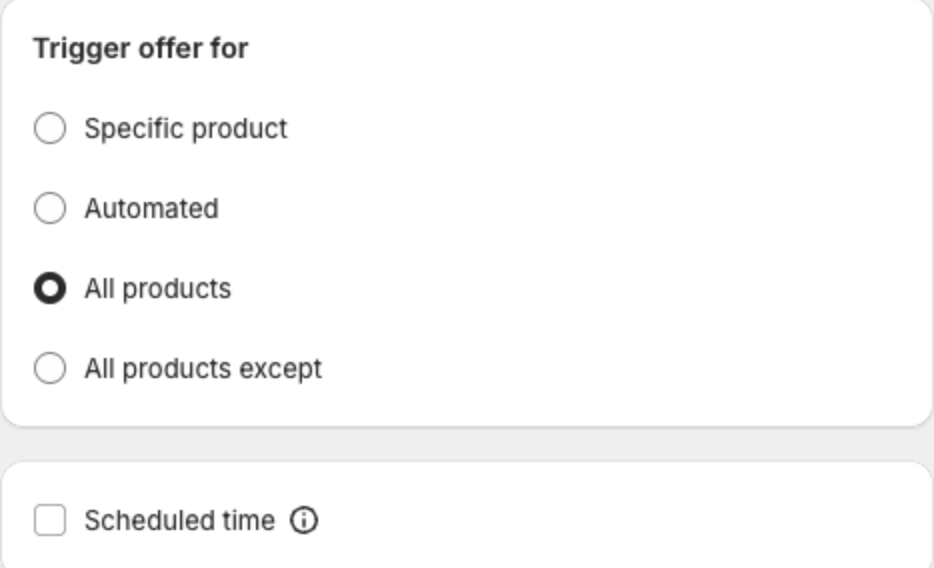
- Under Trigger offer for, select:
- Specific product — only the products you pick.
- Automated — products in the collections you pick.
- All products — every product page (default).
- All products except — every product page except the products you pick (Product Page Upsell only).
- Optional: select Scheduled time to run the offer only between a start and an end date.
- Click Next or Save in the bar at the top of the page.