How do I make the offer smaller?
Steps
- Open Offers, click the offer name, then click Appearance.
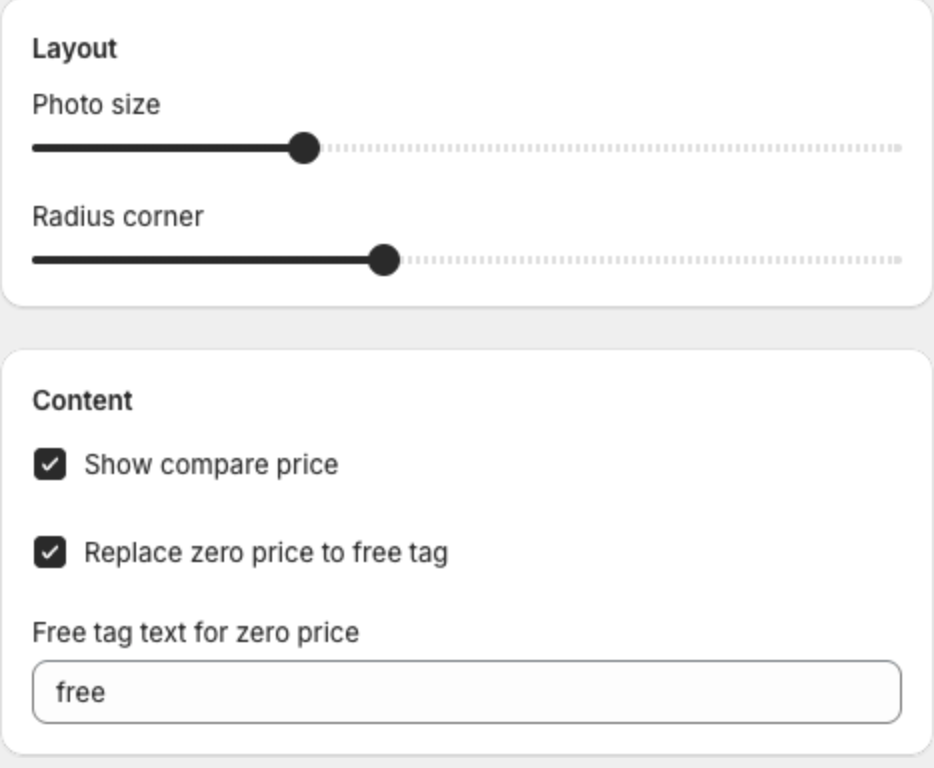
- Lower Photo size and the text sizes. For Product Add-Ons, choose Small in Photo size and lower Space percentage.
- In the Offer step, lower Number of shown offer products.
- Click Save in the bar at the top of the page.