Managing Multiple Languages in Xboost Reviews
Xboost Reviews allows you to seamlessly match the language of your Product Reviews and widgets with your customers' preferred language on your store. Additionally, all Xboost emails will be sent in the language corresponding to your customers’ locale.
How to enable multilingual support:
Follow these steps to enable multilingual support for your Xboost widgets and emails:
- Navigate to the General settings page.
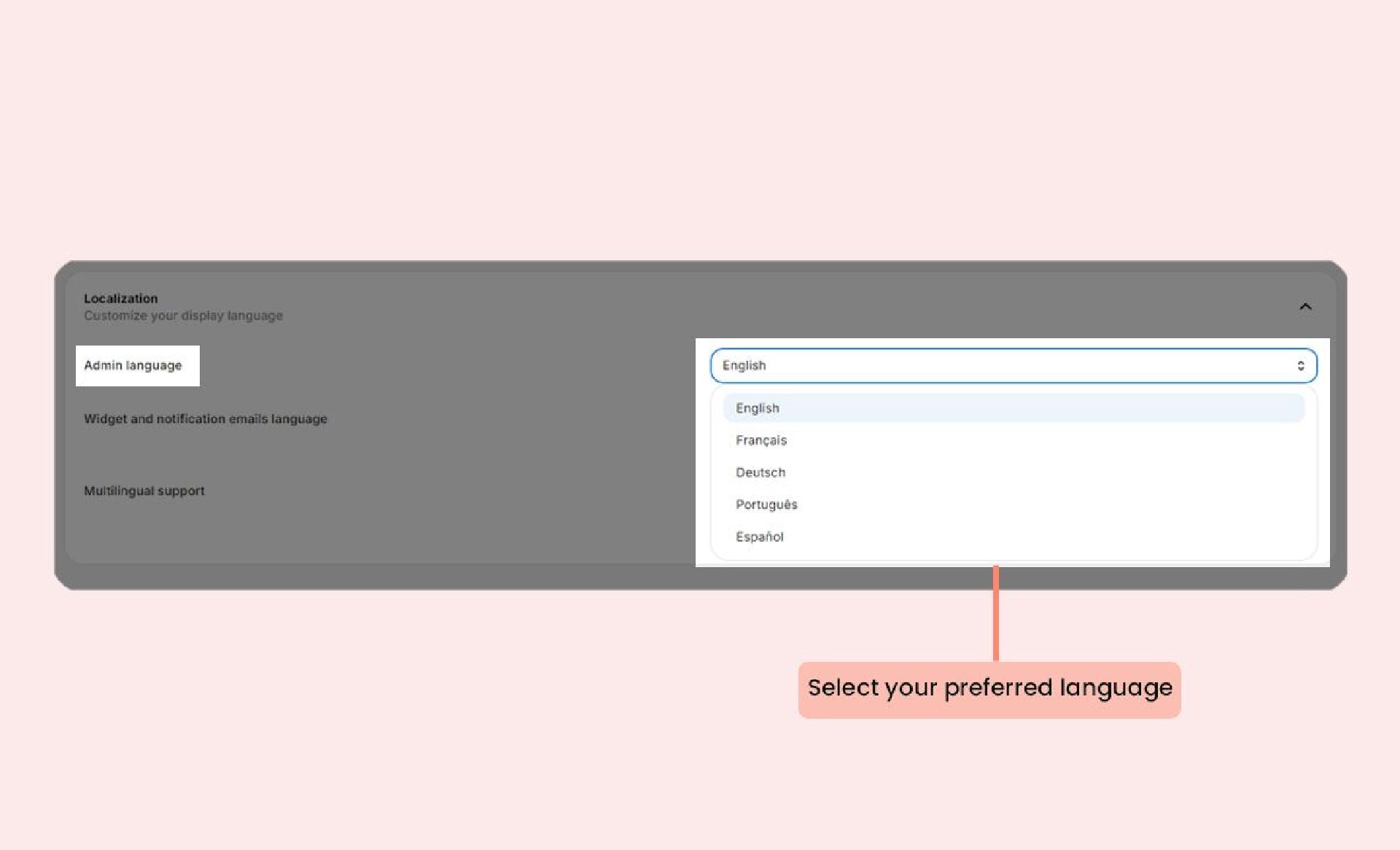
- Adjusting your admin language: In the Admin language section, select your preferred language.
 Customizing Widget and notification emails language:
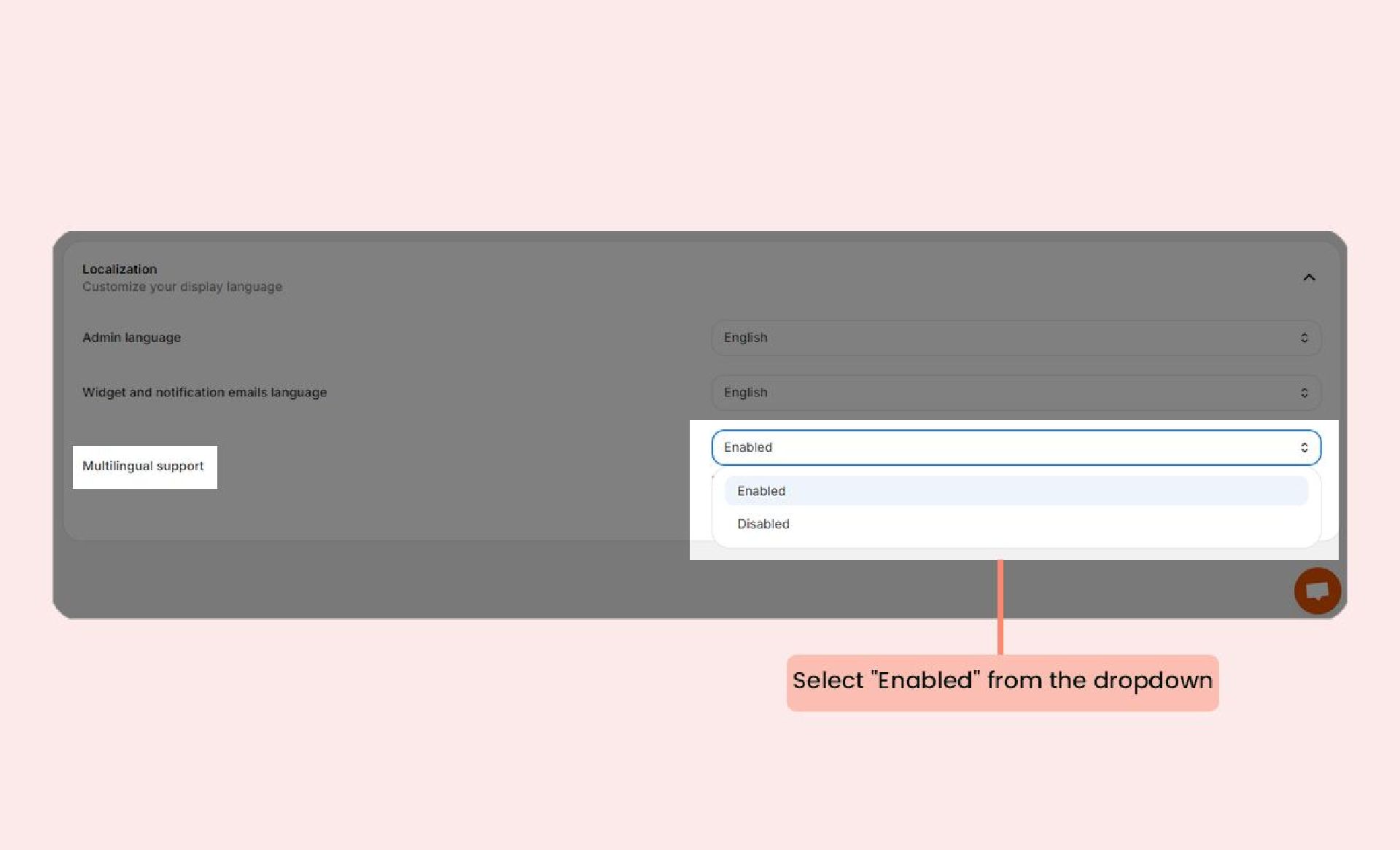
Hover over the Widget and notification emails language section in your settings and select the desired language in the dropdown menu.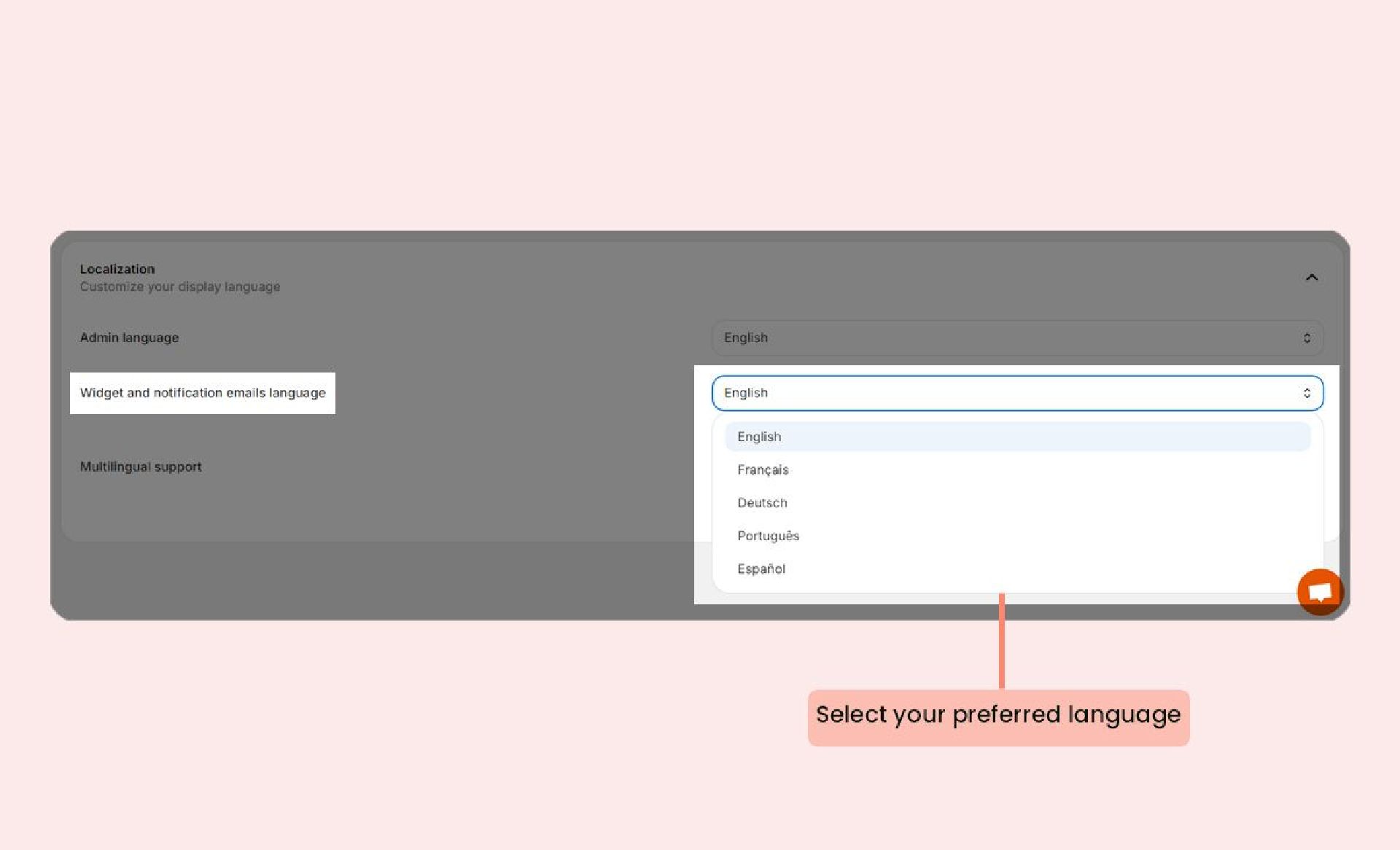 3. Enabling Multilingual support In the Multilingual support dropdown menu, select Enabled