
Creating a Designated 'Happy Customers' Page
Enhance trust and showcase social proof on your store by creating a dedicated 'Happy Customers' page. This page will display all your product reviews in one place, highlighting the positive experiences of your customers.
To create your 'Happy Customers' page, follow these steps:
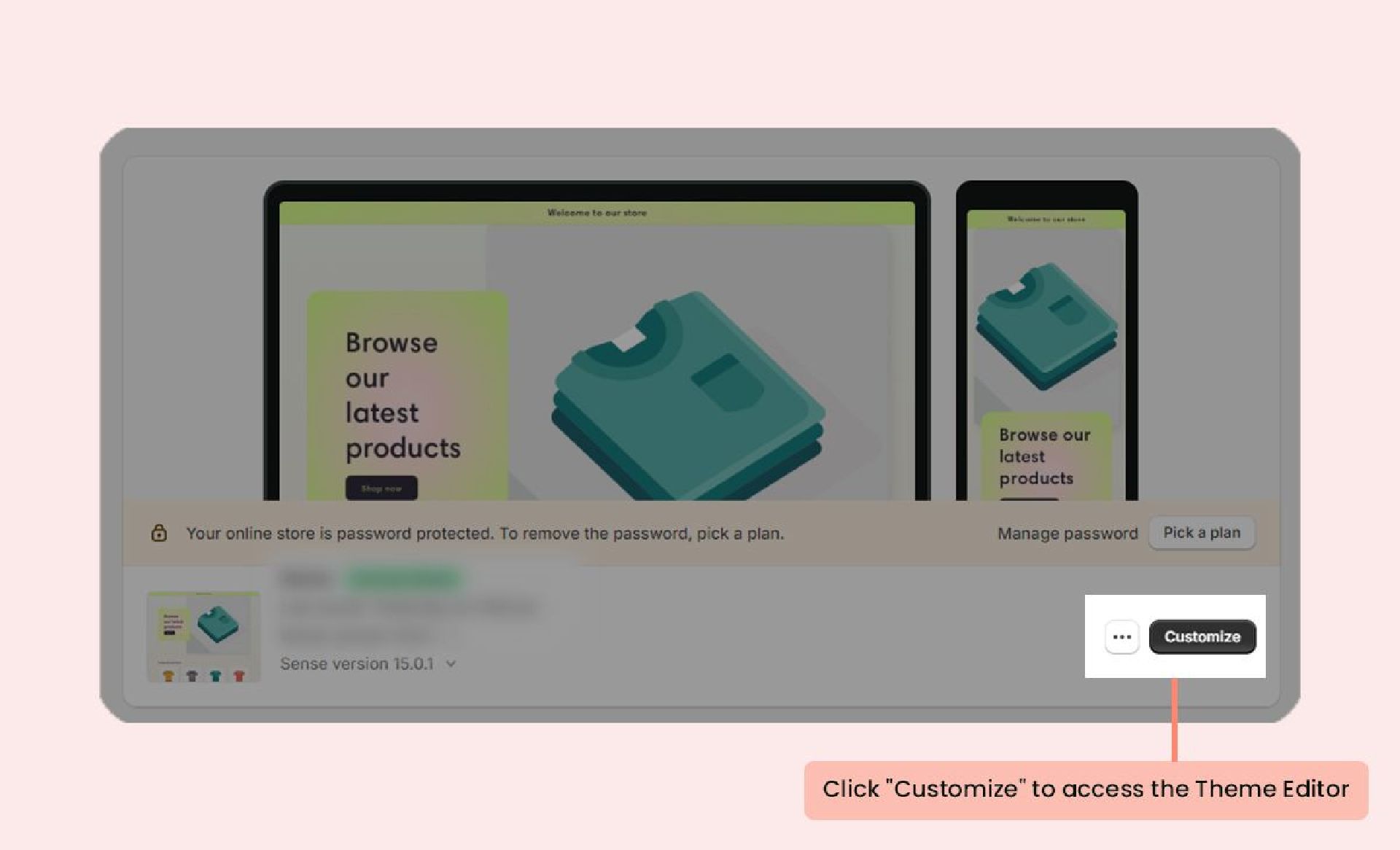
- In your Shopify Admin, go to the Themes menu and click Customize to open the Theme Editor.
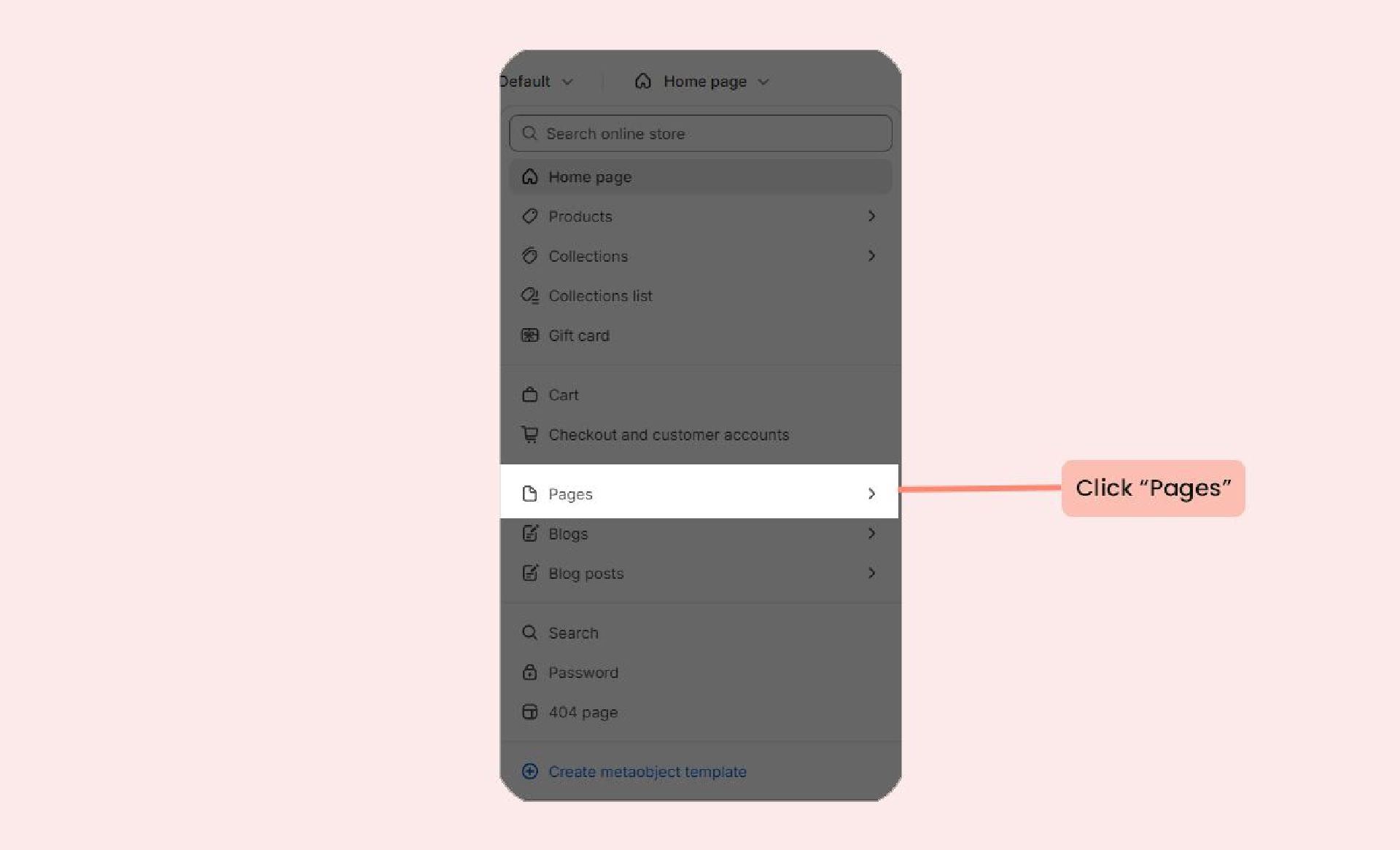
- In the Theme Editor, click on the page template dropdown menu and select Pages.
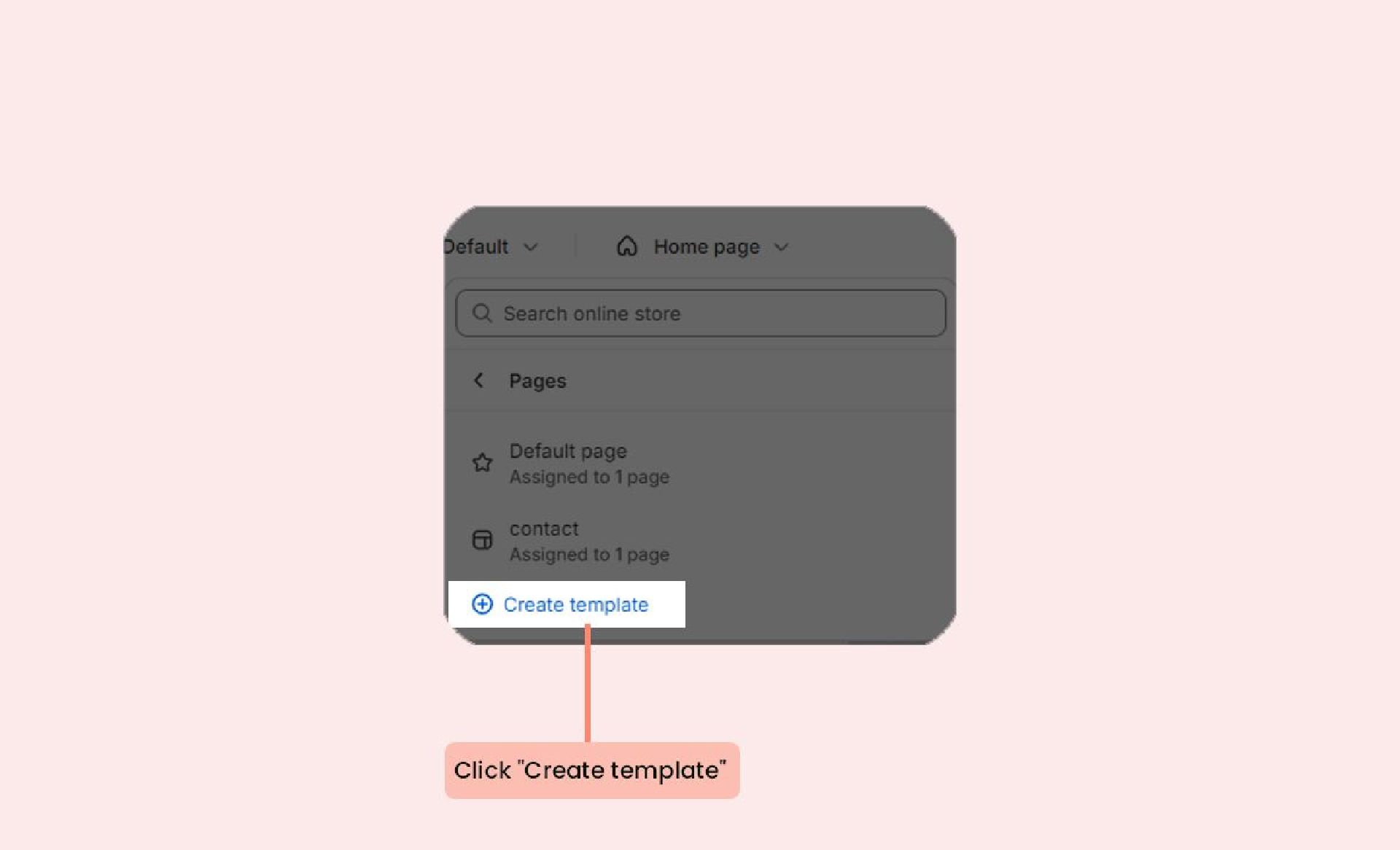
- Click Create template.
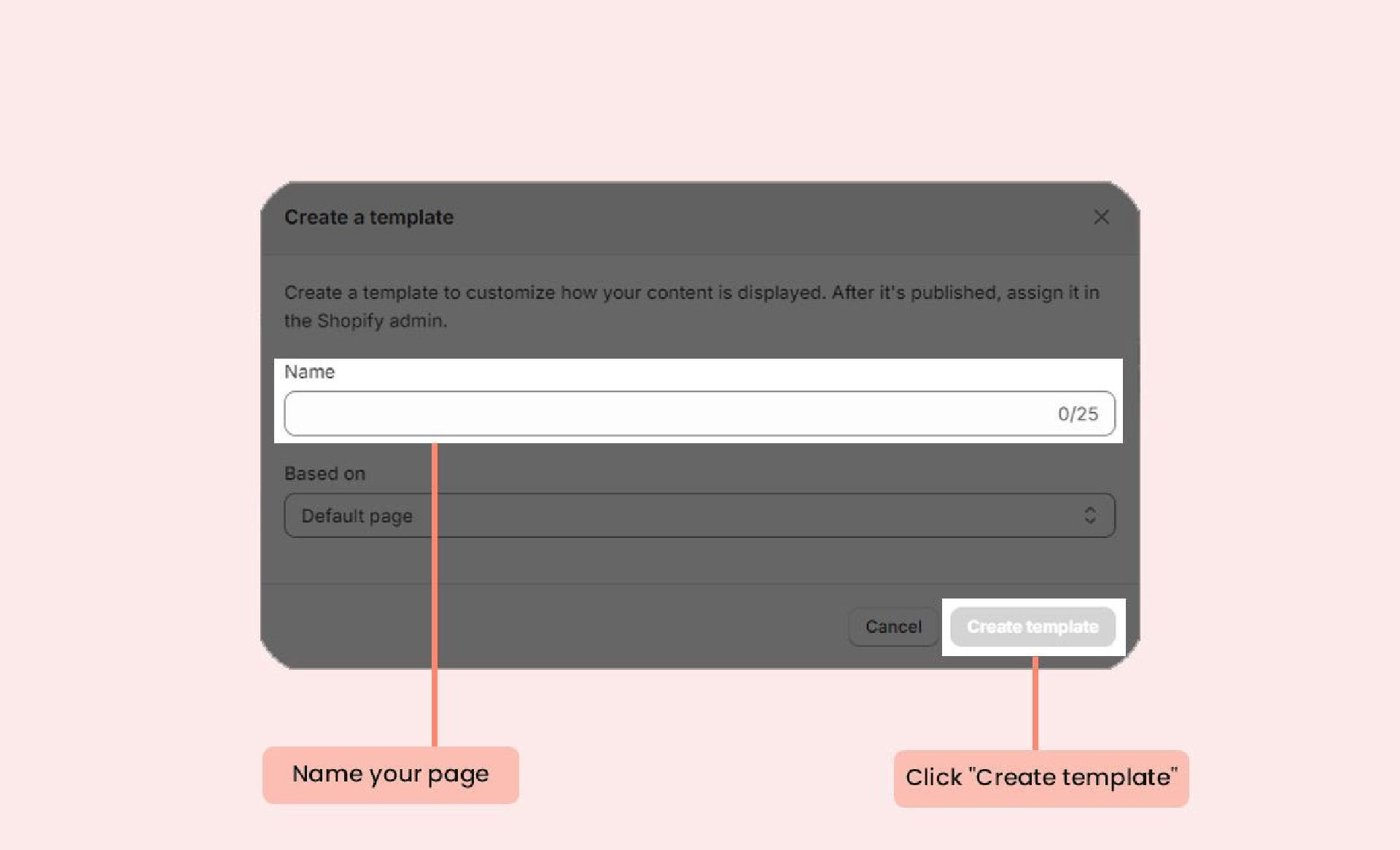
- Name your page template (e.g., 'Happy Customers') and click Create template.
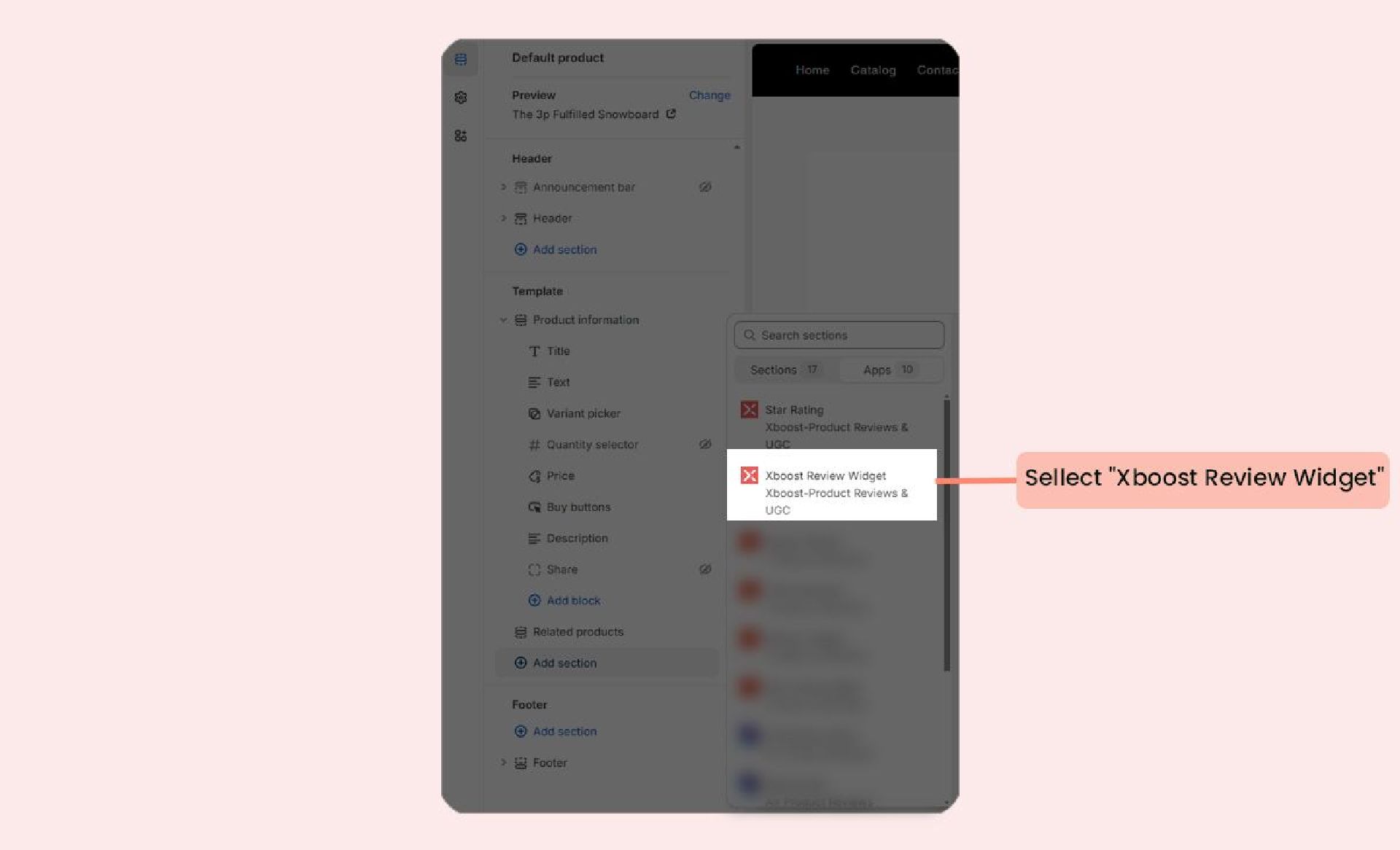
- In your new page template, click Add section under Template and select Xboost Review Widget
- Click Save.
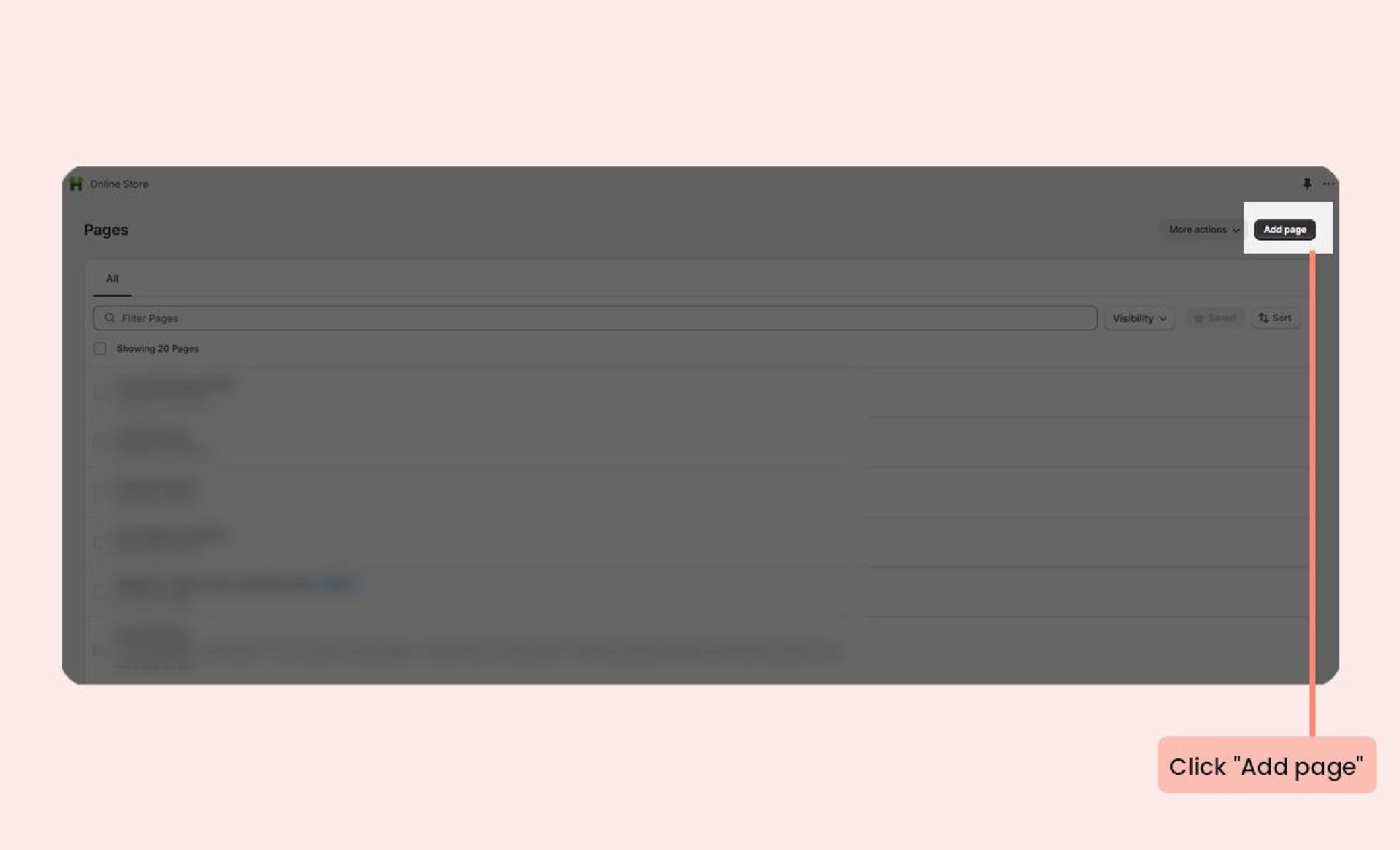
- Next, in the Shopify Admin's Pages menu, click Add page.
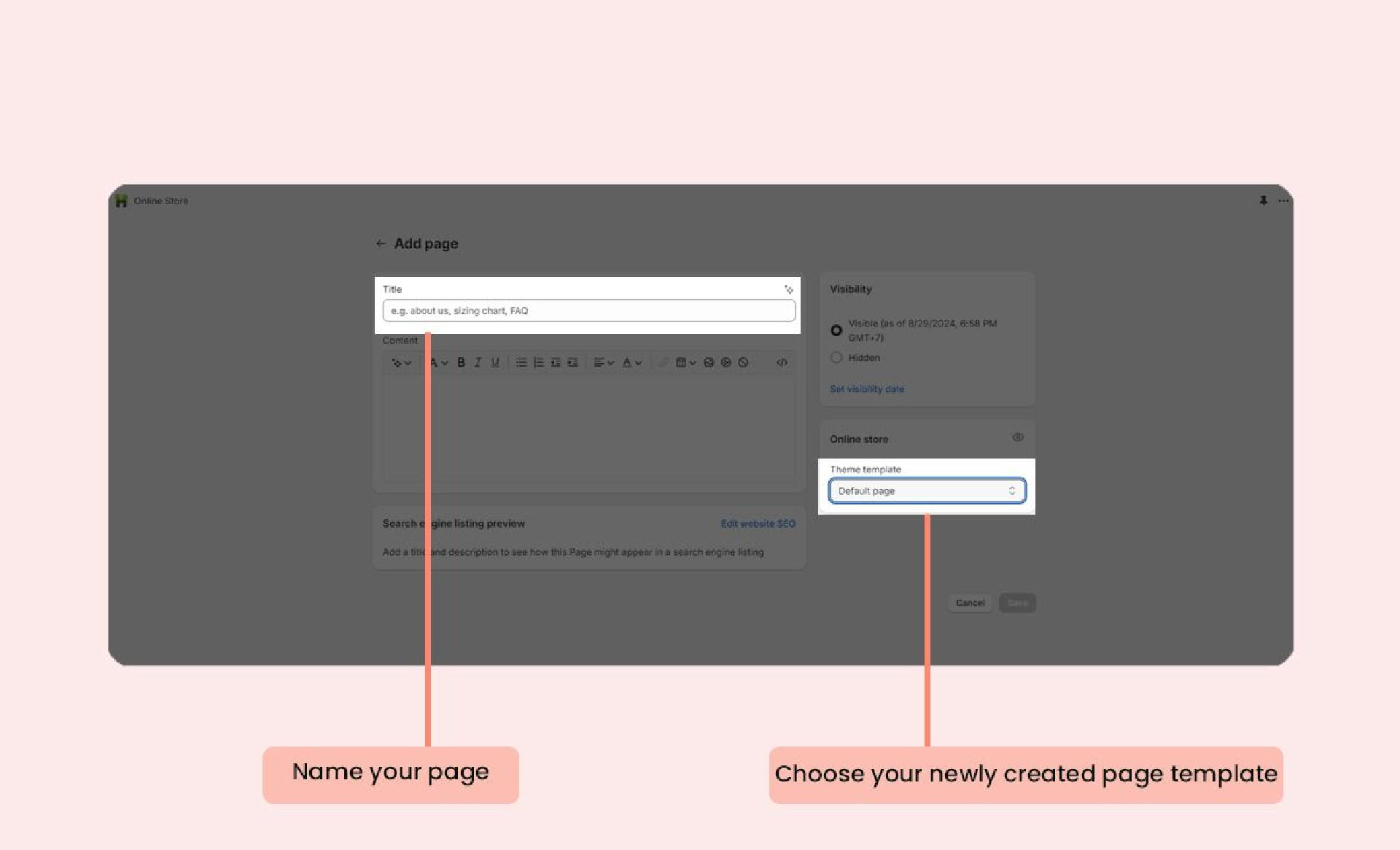
- Name your new page and select the newly created page template from the dropdown.
- Click Save.