
Sending a Manual Review Request Email
Boost your review collection by manually requesting feedback from customers.
Gathering customer reviews can enhance the credibility of your new products, increase interest, and boost your total order volume.
How to send a manual review request email
- Go to the Collect Reviews section in the Xboost app Settings.
- Open the Manual review requests.
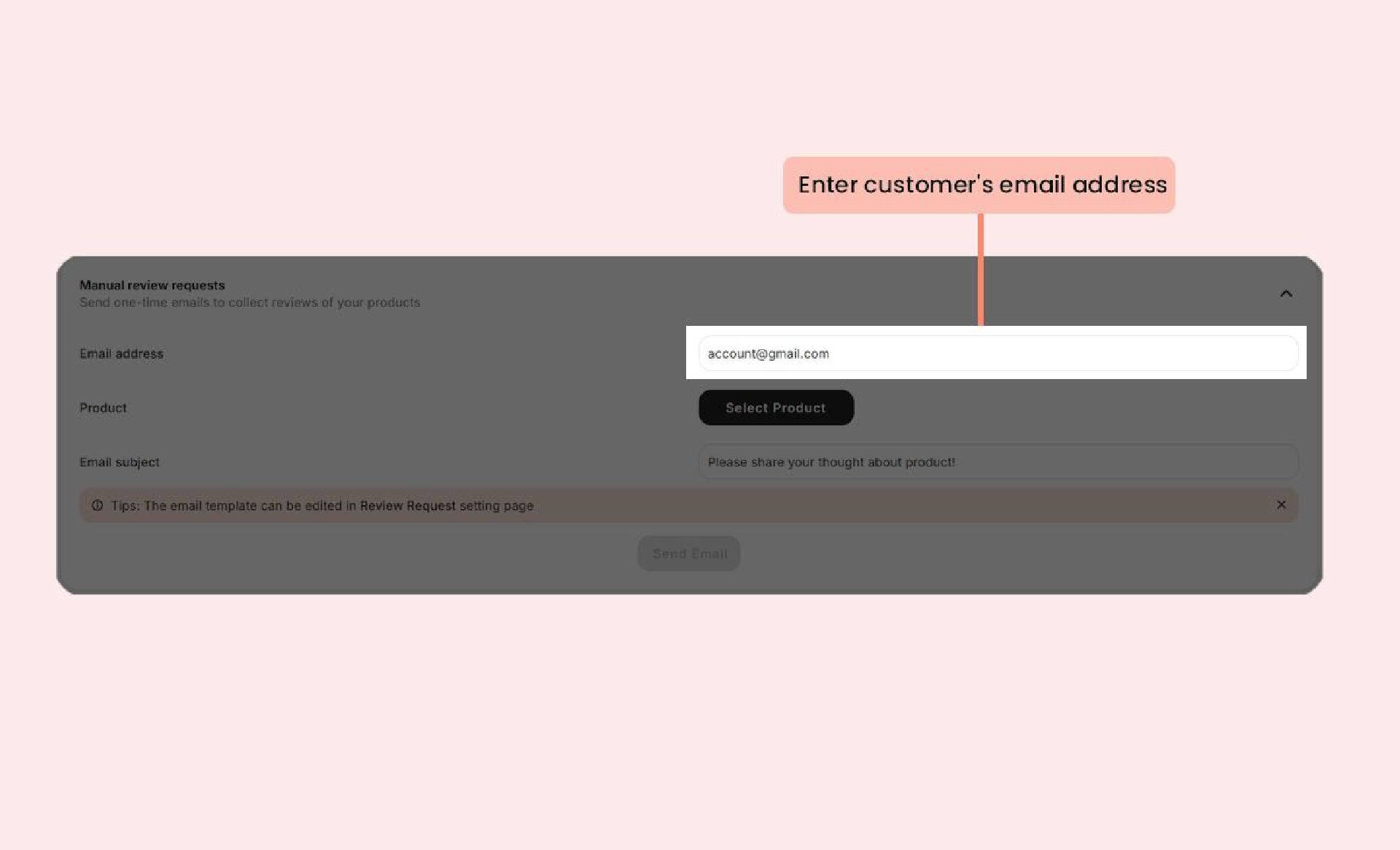
- Enter customer's email address.
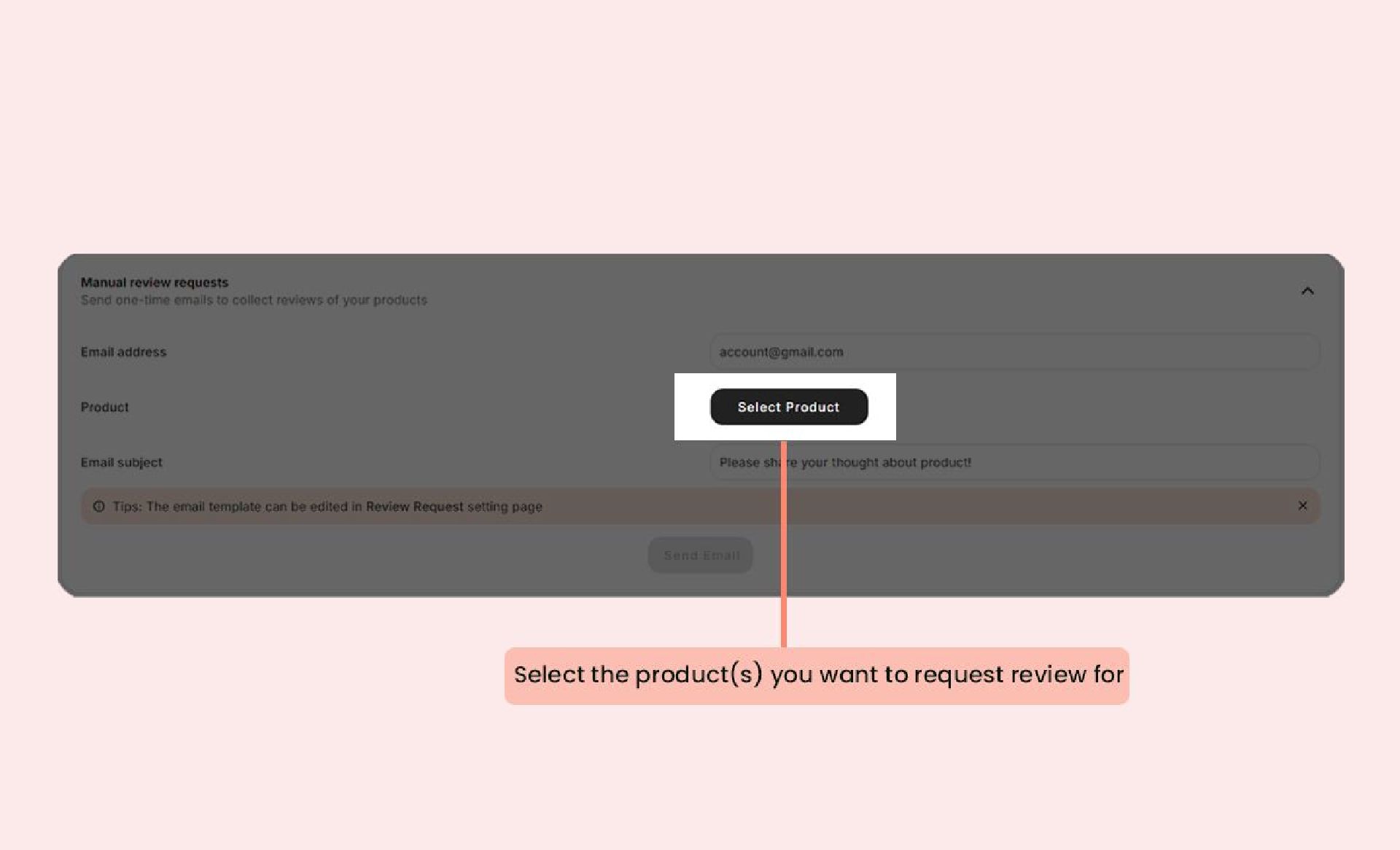
- Select the product(s) you want to request review for. You can choose an unlimited number of products.
- Customize the subject line for your review request emai
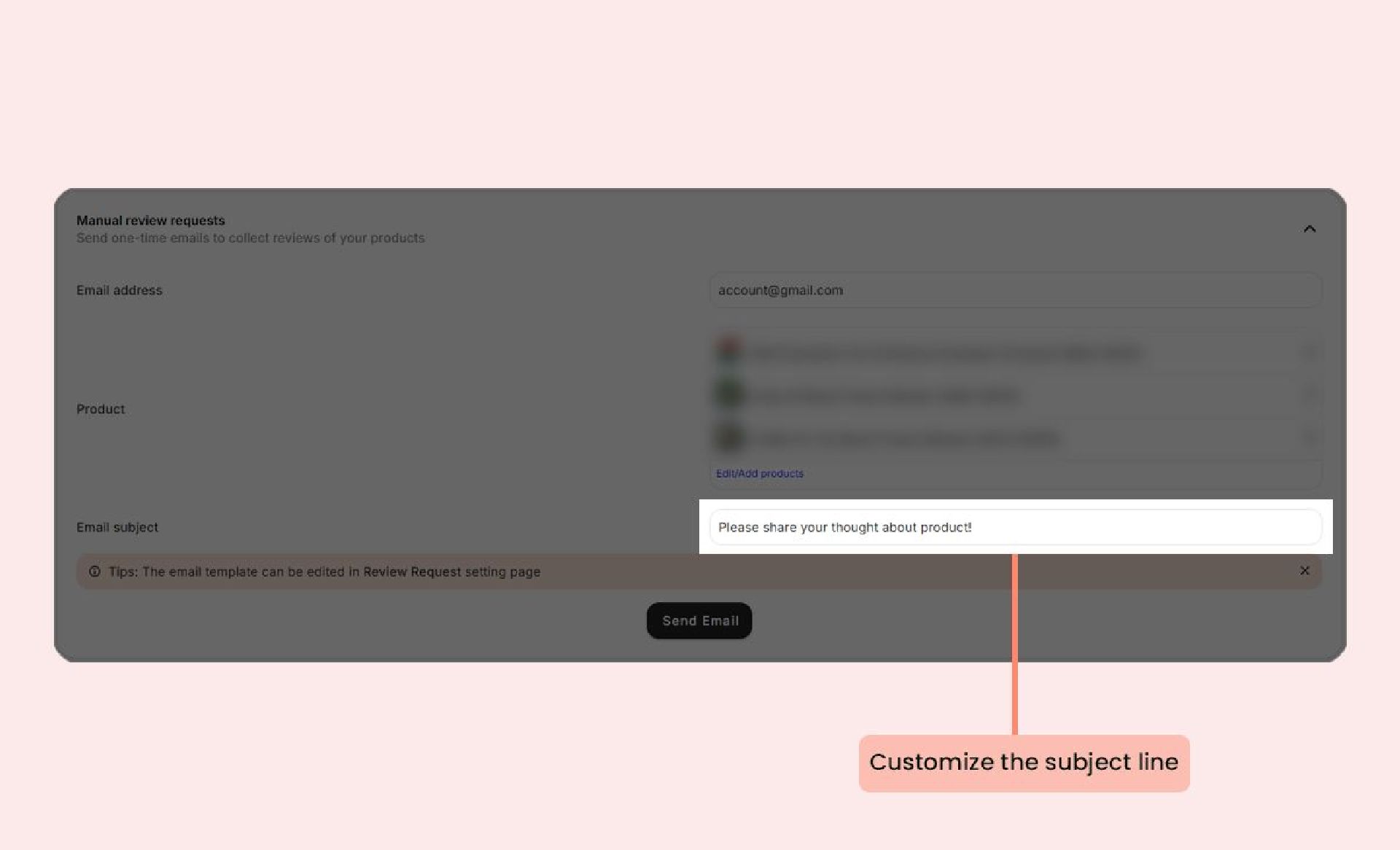
- Click Send Email to dispatch your review requests.