
How to enable the app embed
Overview
XB: Free Shipping Bar Upsell shows your bars through an app embed called XB: Free Shipping Bar in your theme. No bar appears on your store until this app embed is on. You only need to do this once per theme.
Steps
1. Open the app dashboard
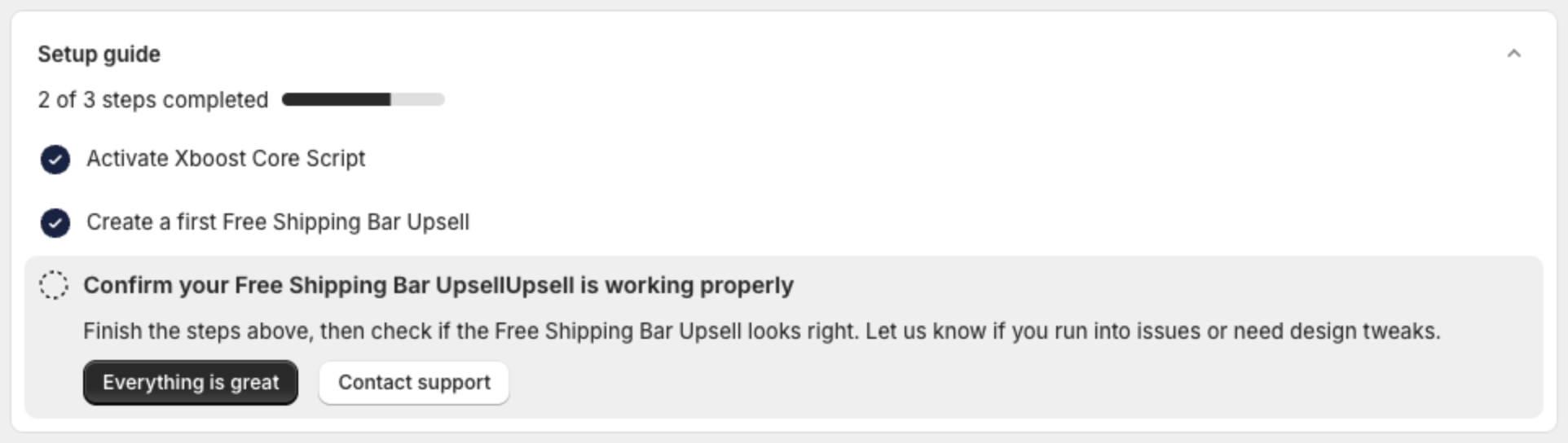
In your Shopify admin, go to Apps and open XB: Free Shipping Upsell. The Setup guide on the dashboard starts with Activate Xboost Core Script. This step is the app embed.
2. Check the App Status card
- Active with the message "Xboost app embedded successfully in the online store." means the app embed is on.
- Disabled with the message "App functionalities will be displayed only after you enable the Xboost Core Script." means it is off. Click Active Xboost script to open the theme editor.

3. Turn on the app embed
- In the theme editor, open App embeds in the left sidebar.
- Turn on XB: Free Shipping Bar.
- Click Save.
You can also open the theme editor yourself: go to Online Store > Themes, click Customize, then open App embeds. If you switch to a new theme later, turn on the app embed again in that theme.