How do I make the offer smaller?
Steps
- Open Offers, click the offer name, then click Appearance.
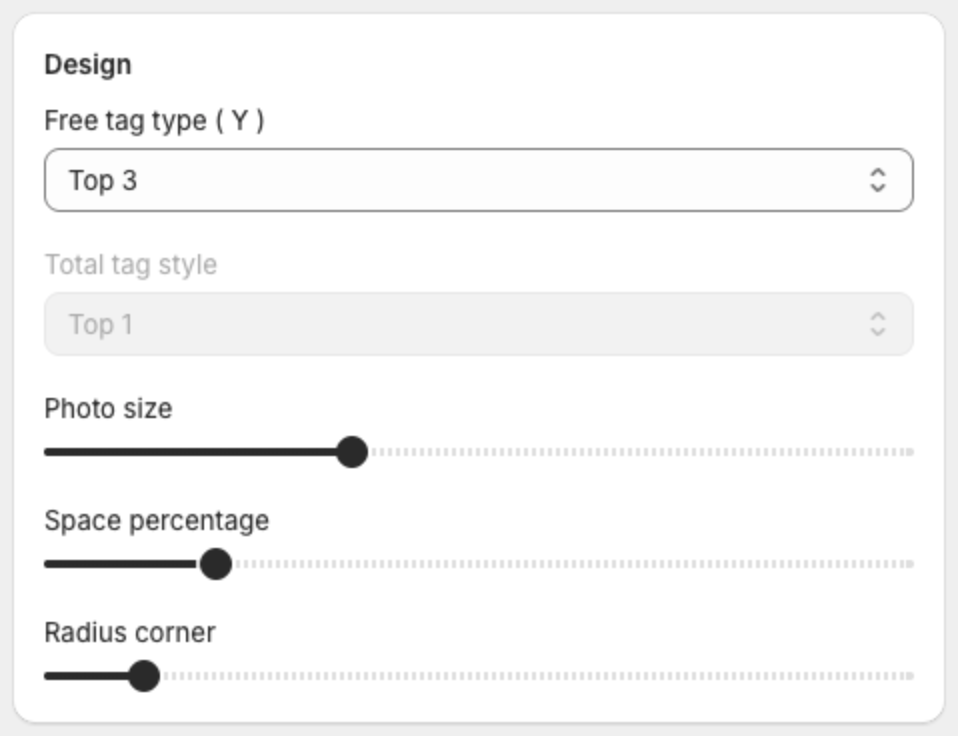
- Under Design, lower Photo size and Space percentage.
- Under Text size, lower the title, product and price sizes.
- Under Content, clear the options you do not need, for example Show compare price.
- Click Save in the bar at the top of the page.