
How to customize the offer design
Overview
The Appearance step controls what the offer shows and how it looks. The template you picked sets the starting values. The offer uses your theme's font; to use another font, add custom CSS (step 5).
Steps
1. Open the Appearance step
Open Offers, click the offer name, then click Appearance. Click Reset to default to undo your changes.
2. Choose what the offer shows
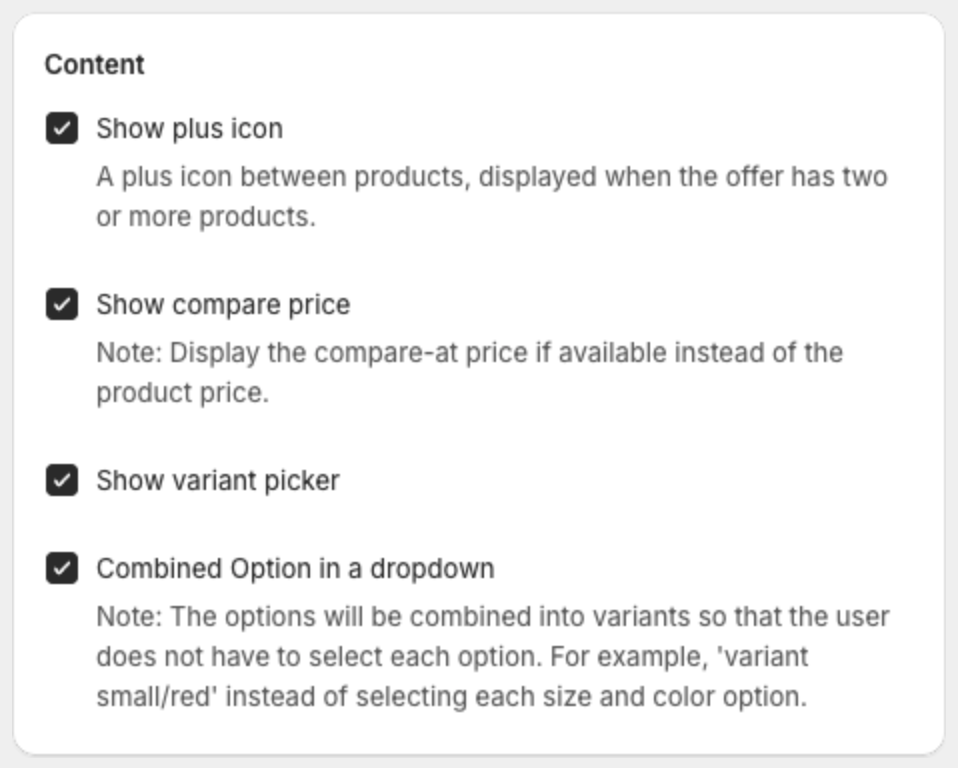
Under Content:
- Show plus icon — a plus icon between products, when the offer has two or more products.
- Show compare price — shows the compare-at price when the product has one.
- Show variant picker — lets shoppers choose a variant.
- Combined Option in a dropdown — one dropdown with variant combinations (for example "small/red") instead of one per option.
3. Set the layout
Under Design:
- Free tag type ( Y ) — where the free tag sits on product Y: Top 1, Top 2, Top 3 or Bottom 1.
- Total tag style — style of the tag on the total price.
- Photo size — product image size.
- Space percentage — space between the elements.
- Radius corner — corner rounding.
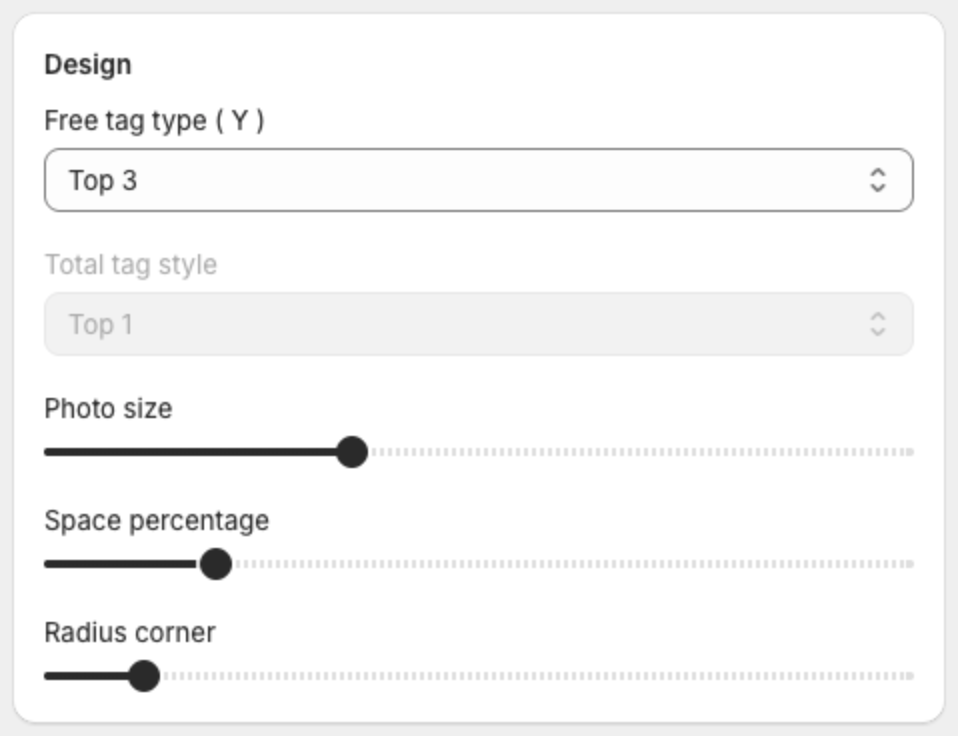
To make the offer smaller, lower Photo size and Space percentage, and lower the sizes under Text size.
4. Set colors and text sizes
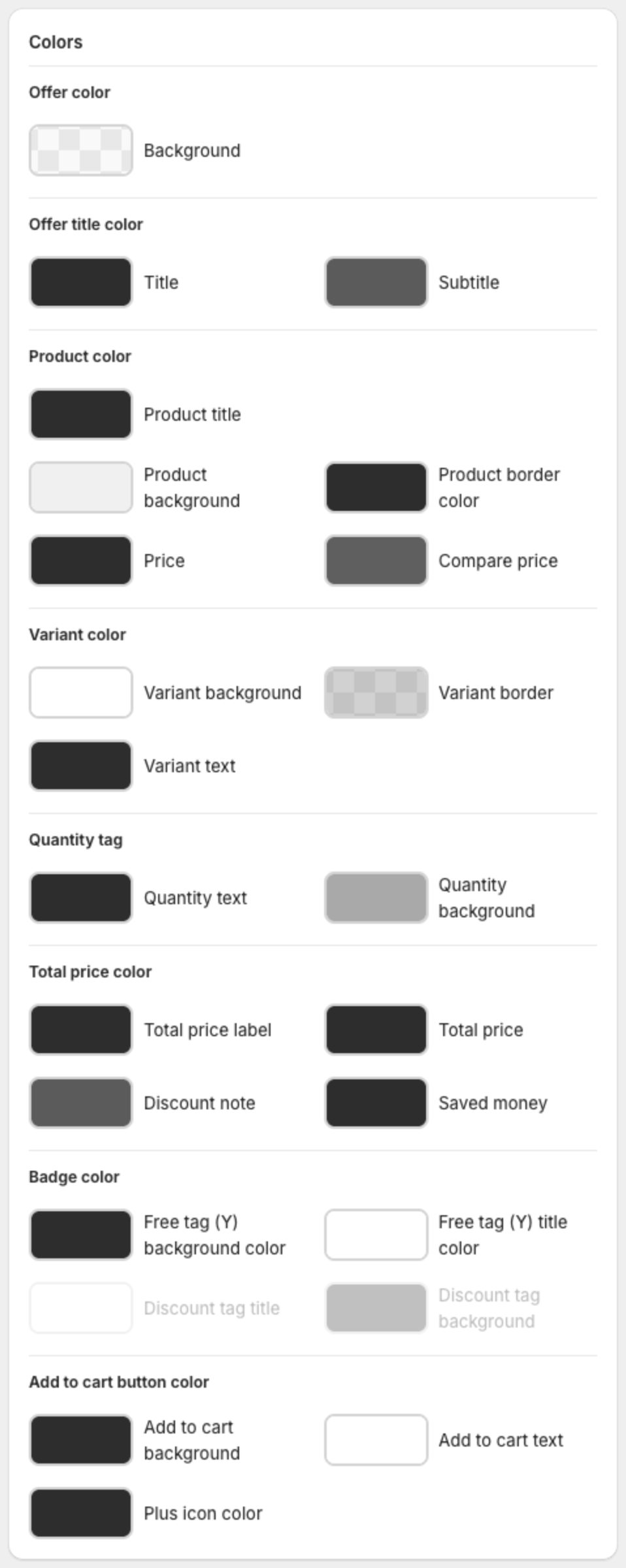
- Colors — offer background and title, products, variants, quantity tag, total price, badges, Add to cart button and plus icon.
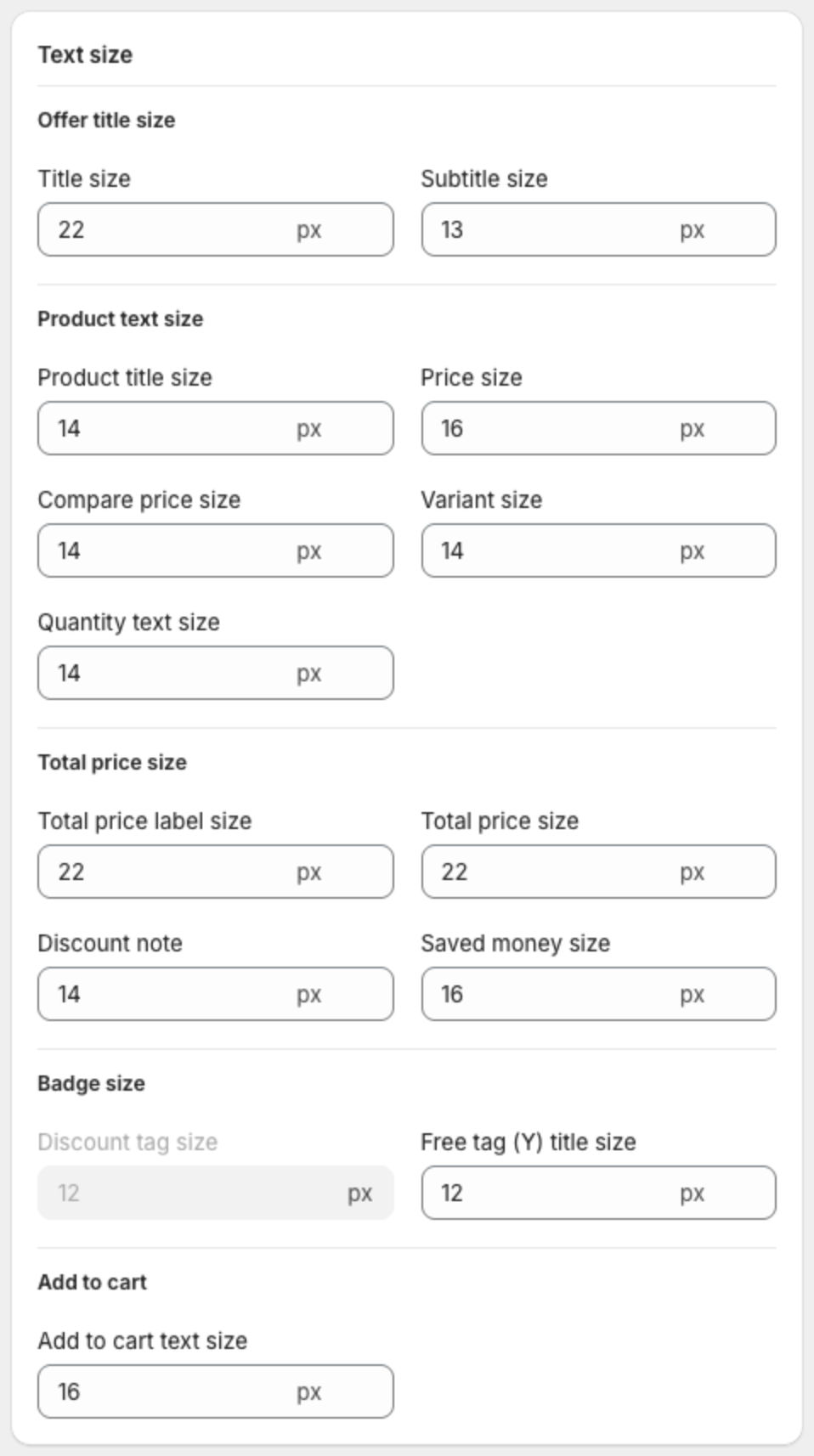
- Text size — offer title and subtitle, product title, price, compare price, variant, quantity, total price, saved money, badges and Add to cart.
5. Change the font or other styles with custom CSS (optional)
Under Custom CSS, add CSS in CSS Code. Type a dot (.) to see the available classes, or click Show list.
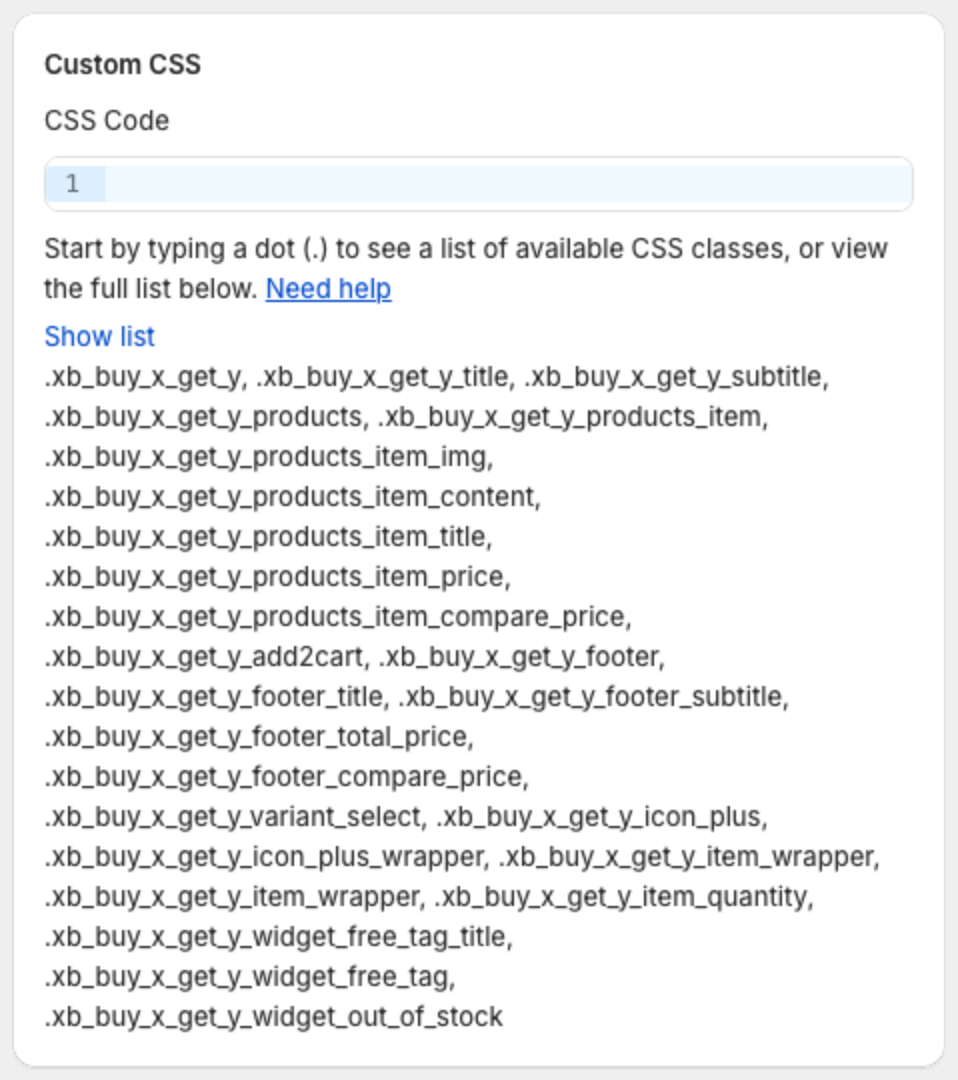
To use another font, paste this CSS and replace the font name. The font must already be available on your store.
.xb_buy_x_get_y_title,
.xb_buy_x_get_y_products_item_title,
.xb_buy_x_get_y_footer_title,
.xb_buy_x_get_y_add2cart {
  font-family: Georgia, serif;
}
6. Save or publish
Click Save in the bar at the top of the page, or Publish if the offer is still a draft.