How do I make the delivery estimate smaller?
Steps
- Open Estimated Delivery, click the estimate name, then click Design.
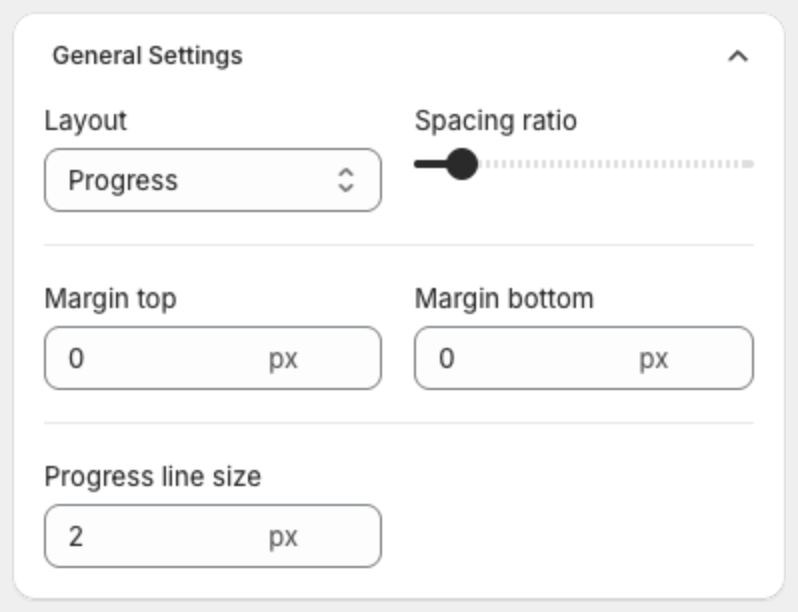
- Under General Settings, lower Spacing ratio, and set Margin top and Margin bottom to 0.
- Under Text Size, lower Icon size, Description size, Step label size and Lead days size.
- To remove the message line, clear the Description in the Content step.
- Click Save in the bar at the top of the page.
Related articles
