How do I make the countdown timer smaller?
Steps
- Open Countdown Timer bars, click the timer name, then click Design.
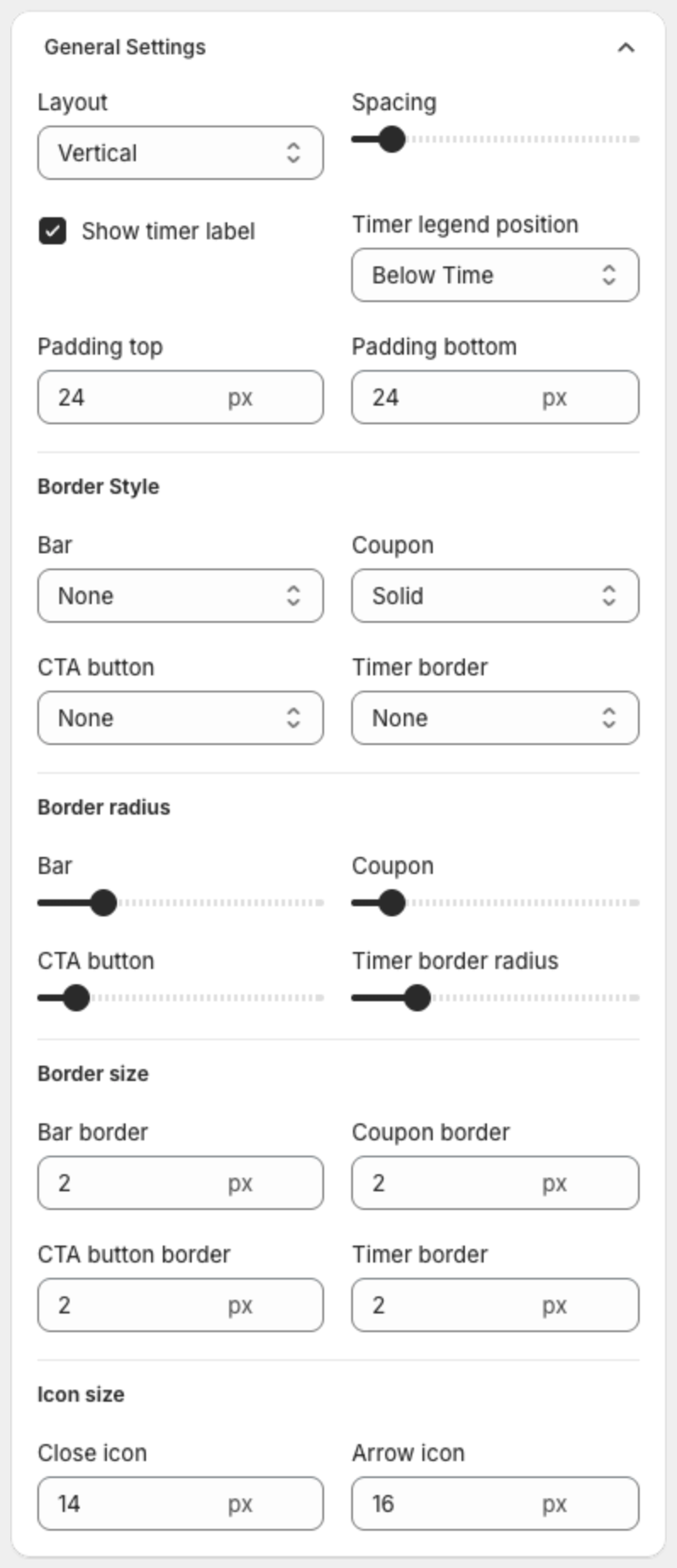
- Under General Settings, lower Padding top and Padding bottom.
- Choose Horizontal in Layout to keep the text and the timer on one line.
- Under Text Size, lower Timer size, Timer legend size and the text sizes. Clear Show timer label to remove the Days, Hours, Mins, Secs labels.
- Click Save in the bar at the top of the page.
Related articles
