
How to manage your countdown timers
Steps
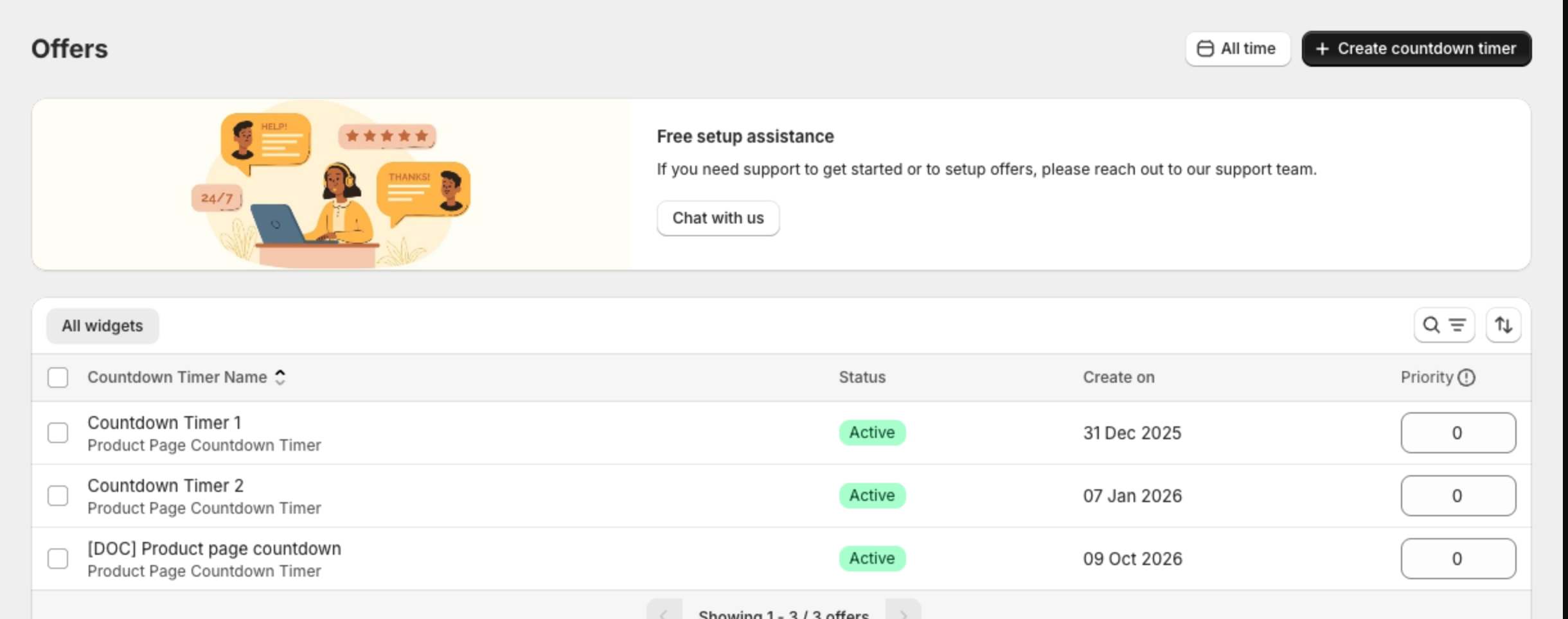
- In the app menu, click Countdown Timer bars. The list shows each timer with its type, Status, Create on date and Priority.
- Click a name to edit it, then click Save in the bar at the top of the page.
- Select timers and click Activate or Deactivate, then confirm. Click ... for Clone and Delete offers.
- When several timers show in the same place, Priority sets their order. Type a number and click outside the box; it saves automatically.
The Analytics card on the dashboard shows Impressions for the selected period.
