
How to add a sticky cart button
Overview
Sticky Cart is a floating cart button that stays in a corner of the screen while shoppers scroll. It shows the number of items in the cart. Clicking it opens the cart drawer, or your theme's cart if the cart drawer is off.
Steps
1. Open Sticky Cart
In XB: AI Cart Upsell, click Sticky Cart in the app menu.
2. Turn it on
Set Status to Active.
3. Choose the position and devices
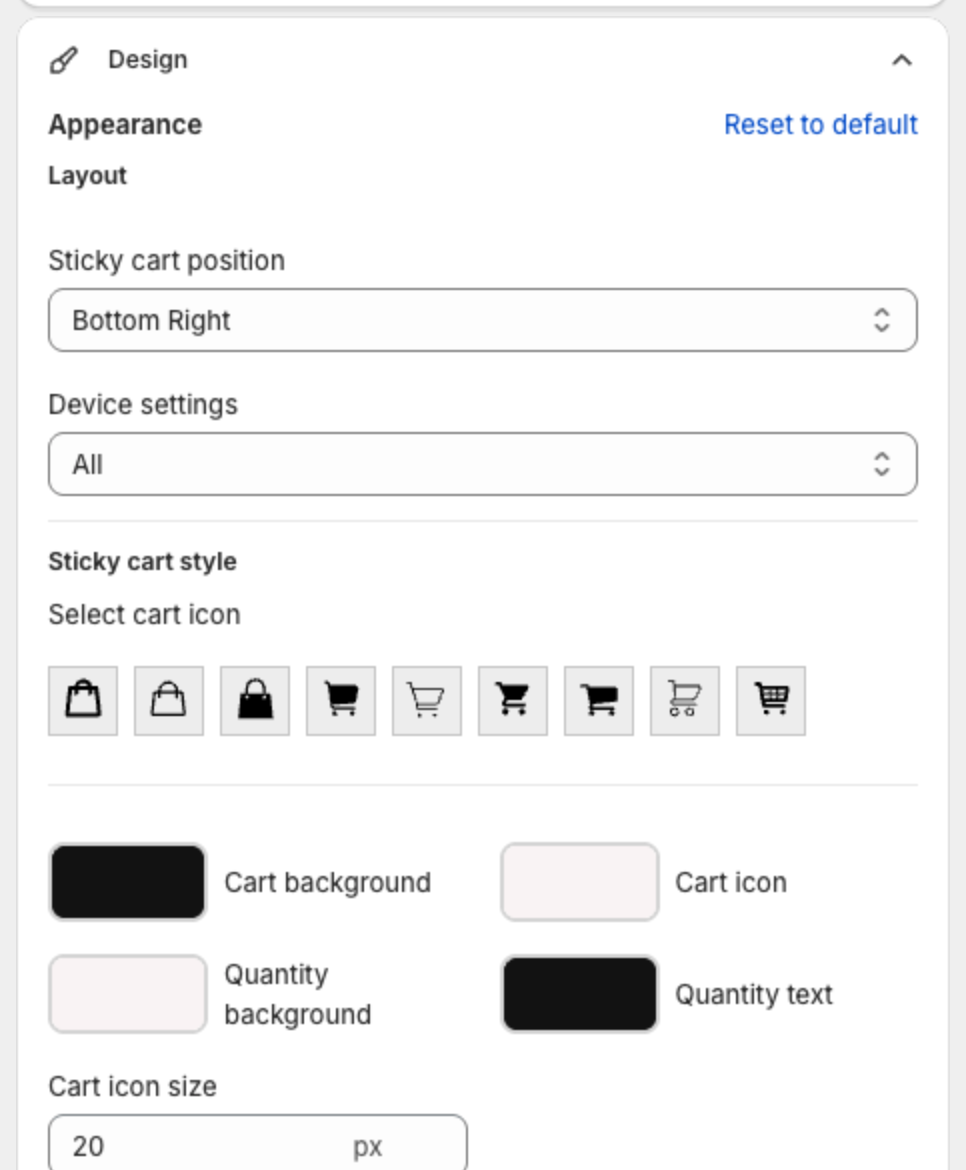
Under Design > Appearance > Layout:
- Sticky cart position: Bottom Right, Top Right, Top Left, Bottom Left, Center Right or Center Left.
- Device settings: All, Mobile or Desktop.
4. Style the button
Under Sticky cart style:
- Select cart icon: pick a bag or cart icon.
- Cart background, Cart icon, Quantity background and Quantity text colors.
- Cart icon size (px).
For more changes, add CSS in Custom CSS > Sticky cart icon CSS. Type a dot (.) to see the class names, or click Show list.
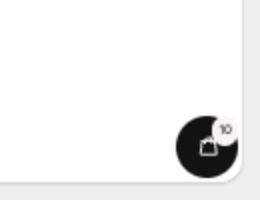
The Preview on the right shows the button with the item count:
5. Save
Click Save in the bar at the top of the page.