How do I make the sticky add to cart bar smaller?
Overview
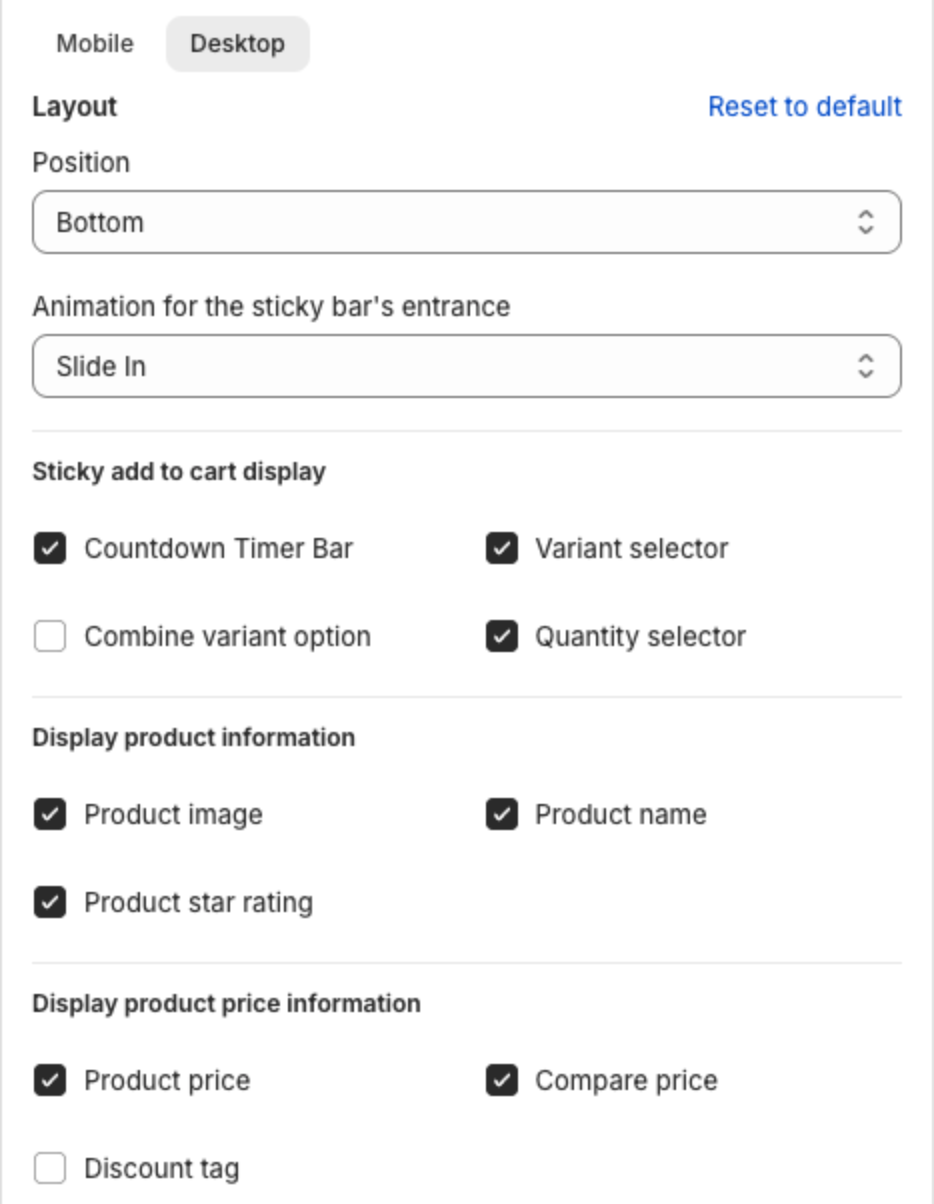
The height of the sticky bar comes from what it shows. Each item you turn off makes the bar shorter, especially on mobile.
Steps
- In the app menu, click Sticky Add To Cart.
- Under Design, click Mobile (or Desktop).
- Clear the items you do not need: Countdown Timer Bar removes the message line above the bar; Product image, Product star rating, Compare price and Discount tag remove product details; Variant selector and Quantity selector remove the selectors.
- Open Body and lower the text sizes under Text size.
- Check the preview, then click Save in the bar at the top of the page.