
Xboost Product Review Widget
Elevate your product pages by showcasing customer reviews in a grid or list format using the Xboost Product Reviews Widget. This feature enhances social proof and builds trust with potential buyers.
Easily customize the appearance and functionality of your widget directly from the widget’s settings page.
How to add the Xboost Product Review widget to your pages:
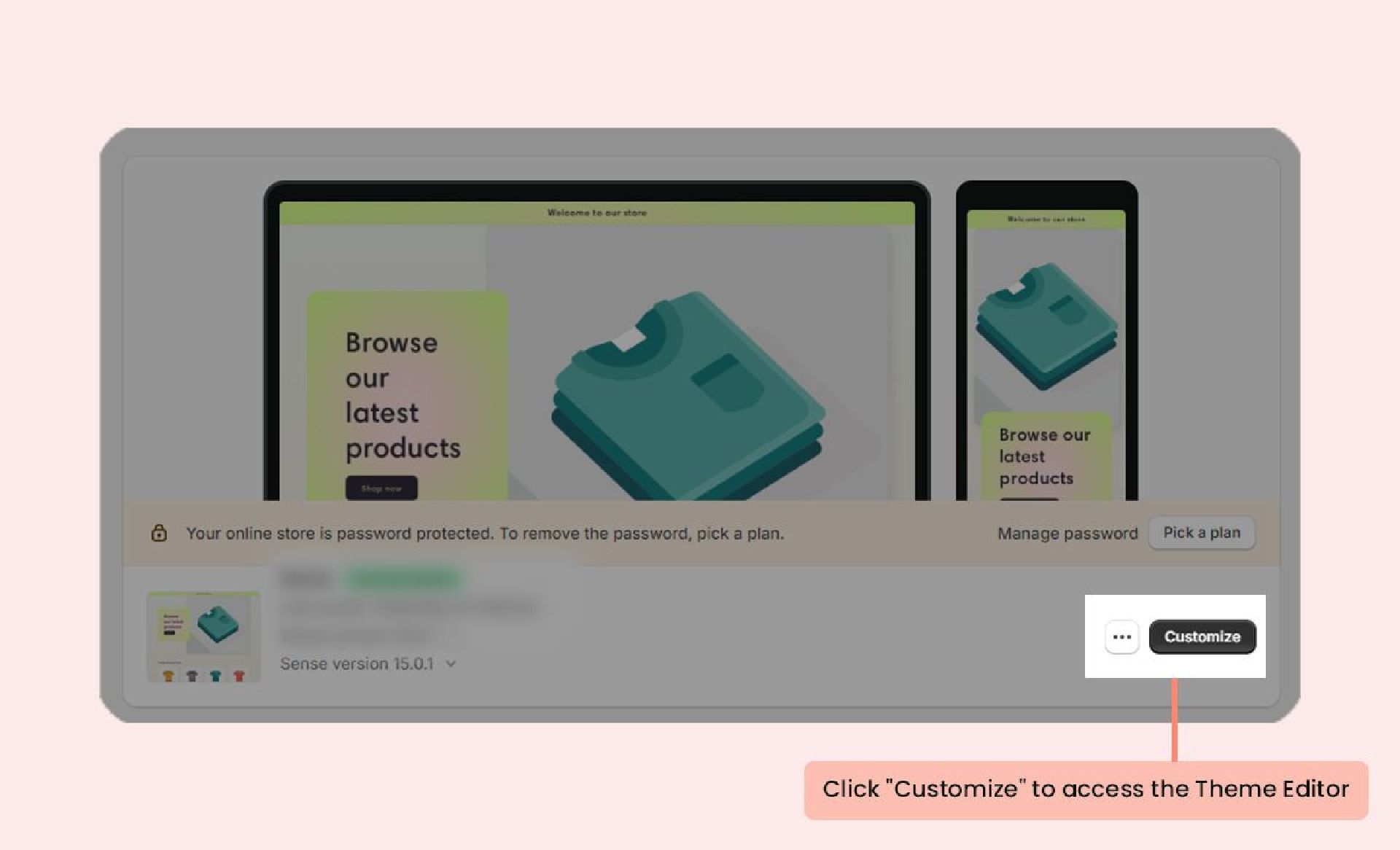
- In your Shopify admin, navigate to the Themes section and click on Customize to open the Theme Editor.
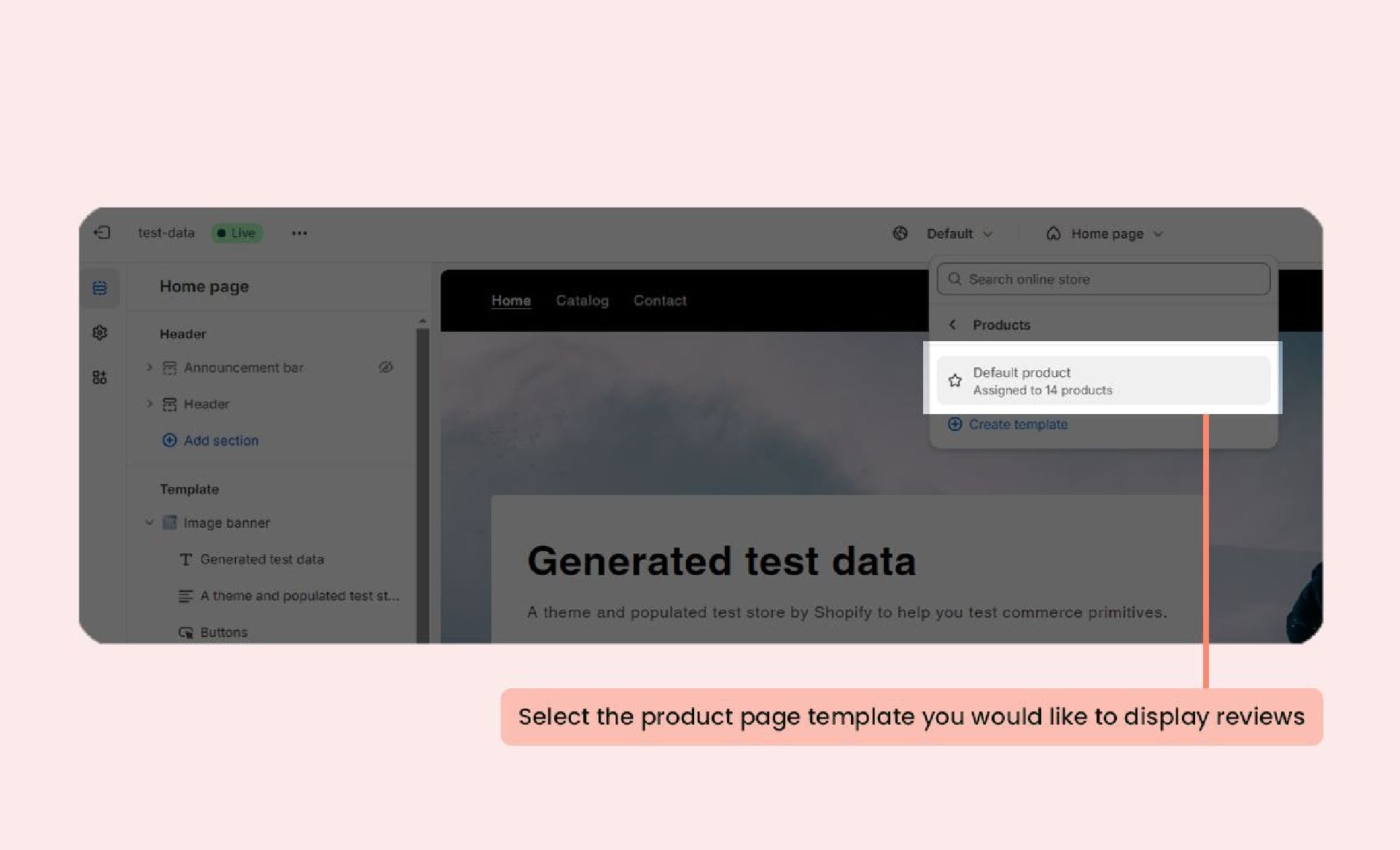
- Select the product page template (or any other page) where you want to display the reviews.
- On the left-side menu, click Add section and select Xboost Review Widget.
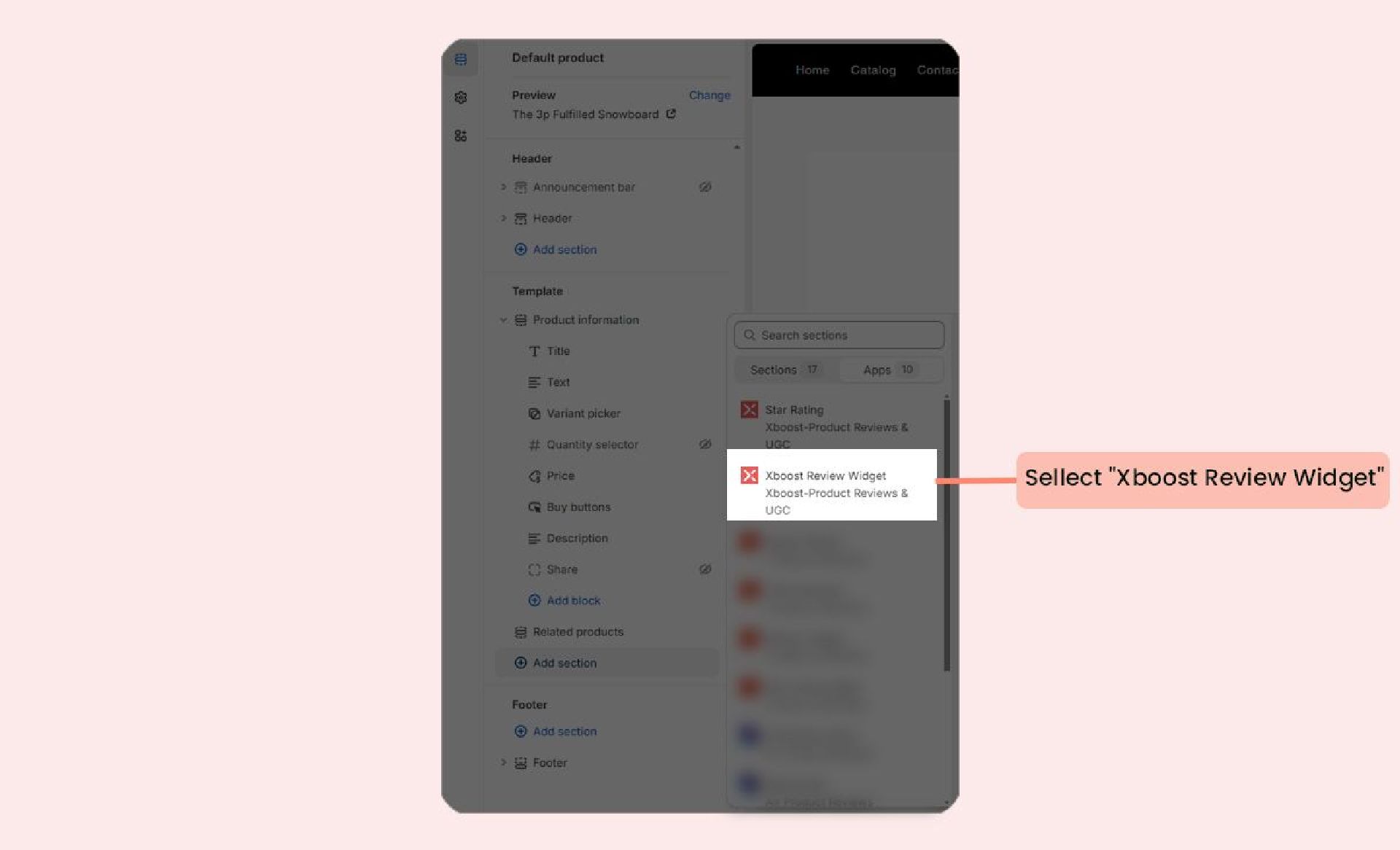
- Drag and drop the widget’s app block to your desired location on the page.
- Click Save to apply your changes.
Optional Customizations:
- Number of reviews to display: Enable this option allowing you to specify how many customer reviews will be shown at a time on a page.
- Maximum width: Adjust the widget’s maximum width to suit your design preferences.
